


Customer support teams in 2026 face growing email management challenges, spending 4.1 hours daily on email and struggling with delays caused by outdated tools. AI-powered email tools now handle 80% of interactions instantly, boosting productivity by 82% and cutting busywork by 65%. Companies like Jigsaw reduced ticket volume by 35%, while Kickfin achieved a 72% self-serve rate.
Here are 7 trusted AI email tools for 2026:
- Gmelius: Gmail-based help desk and CRM with AI drafting and summaries. Starts at $19/month.
- Superhuman: Ultra-fast Gmail/Outlook client with AI for organization and replies. Costs $30/month.
- Missive: Multi-channel messaging with AI-powered summaries and drafting. Custom pricing.
- Hiver: Gmail-native help desk with AI triage, tagging, and sentiment analysis. Free plan available.
- Front: Centralized inbox for email, SMS, and chat with AI automation. Starts at $25/month.
- MailMaestro: Enhances Gmail/Outlook with AI for summaries and replies. Custom pricing.
- Help Scout: Multi-channel help desk with built-in AI for drafts and answers. Starts at $55/month.
These tools save time, improve response rates, and reduce workload. Choose based on your platform, team size, and budget. Use free trials to test fit before committing.
1. Gmelius
Email Platform Support
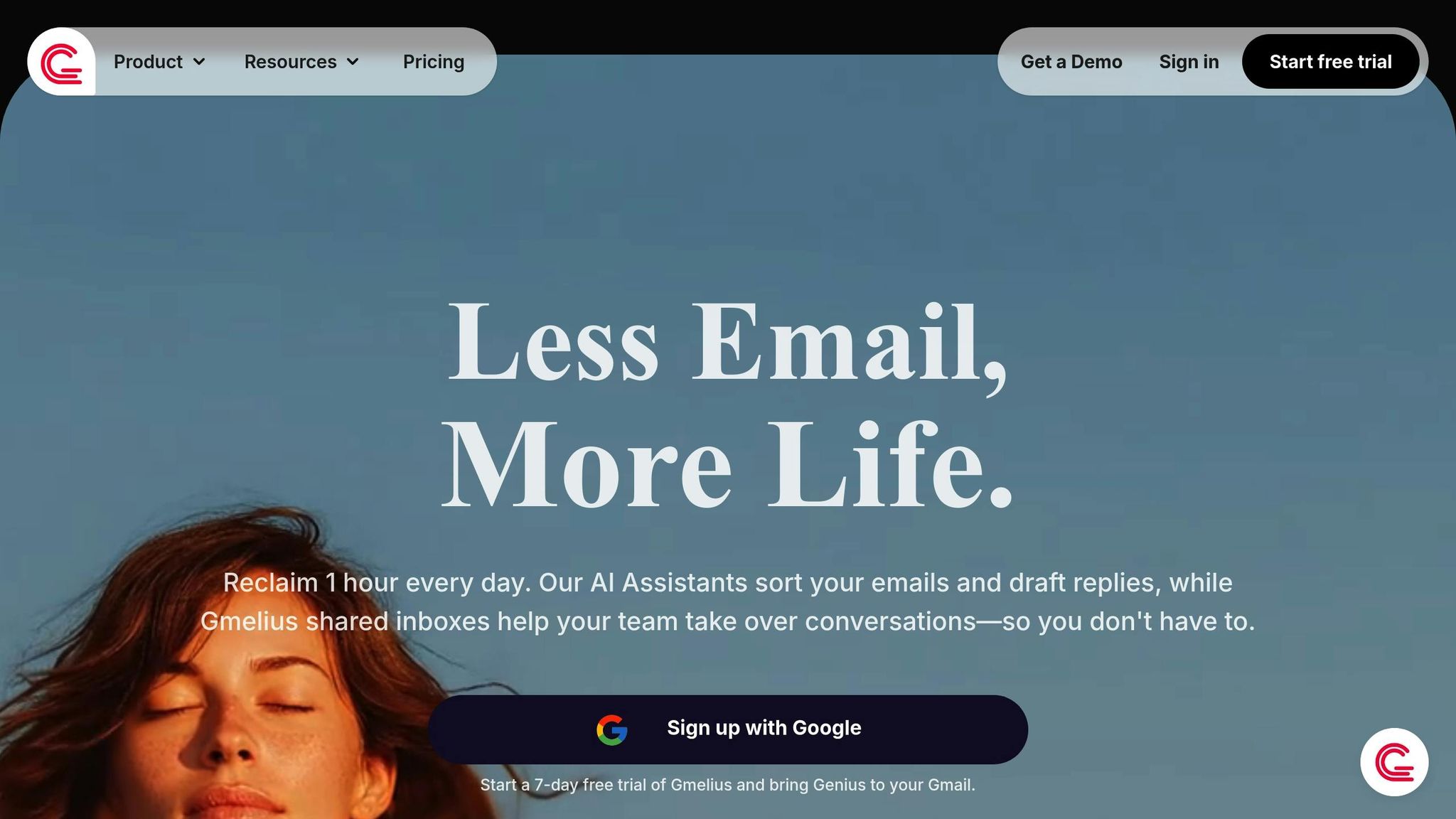
Gmelius works seamlessly within Gmail, enhancing the platform with additional features. This means you can turn your inbox into a combined help desk and CRM system without the hassle of migrating data or learning a new tool. It’s all about simplifying workflows while sticking to the interface you already know and use daily.
AI-Powered Features
At the heart of Gmelius is its AI assistant, Meli. This tool can summarize email threads, draft replies tailored to the context, and even suggest logical next steps. What’s more, it gets smarter over time by learning from your past interactions and leveraging your company’s knowledge base. Built on GPT-4, Claude 3.5, and Retrieval-Augmented Generation, Meli ensures accuracy by pulling precise details from emails and documents, reducing the chances of AI errors.
Team Collaboration Tools
Gmelius makes teamwork easier by supporting shared Gmail inboxes and preventing duplicate responses when multiple agents are involved. Teams can also leave internal notes, automate ticket assignments, and manage tasks – all without leaving Gmail. This keeps everything centralized, saving time and effort.
Pricing
Gmelius starts at $19 per user per month and includes a free trial that doesn’t require a credit card. Its pricing structure is especially appealing for startups and smaller teams aiming to streamline their help desk and CRM into a single, efficient solution. With its Gmail integration, smart AI features, and affordable pricing, Gmelius is a strong contender among tools designed to simplify business operations.
2. Superhuman
Email Platform Support
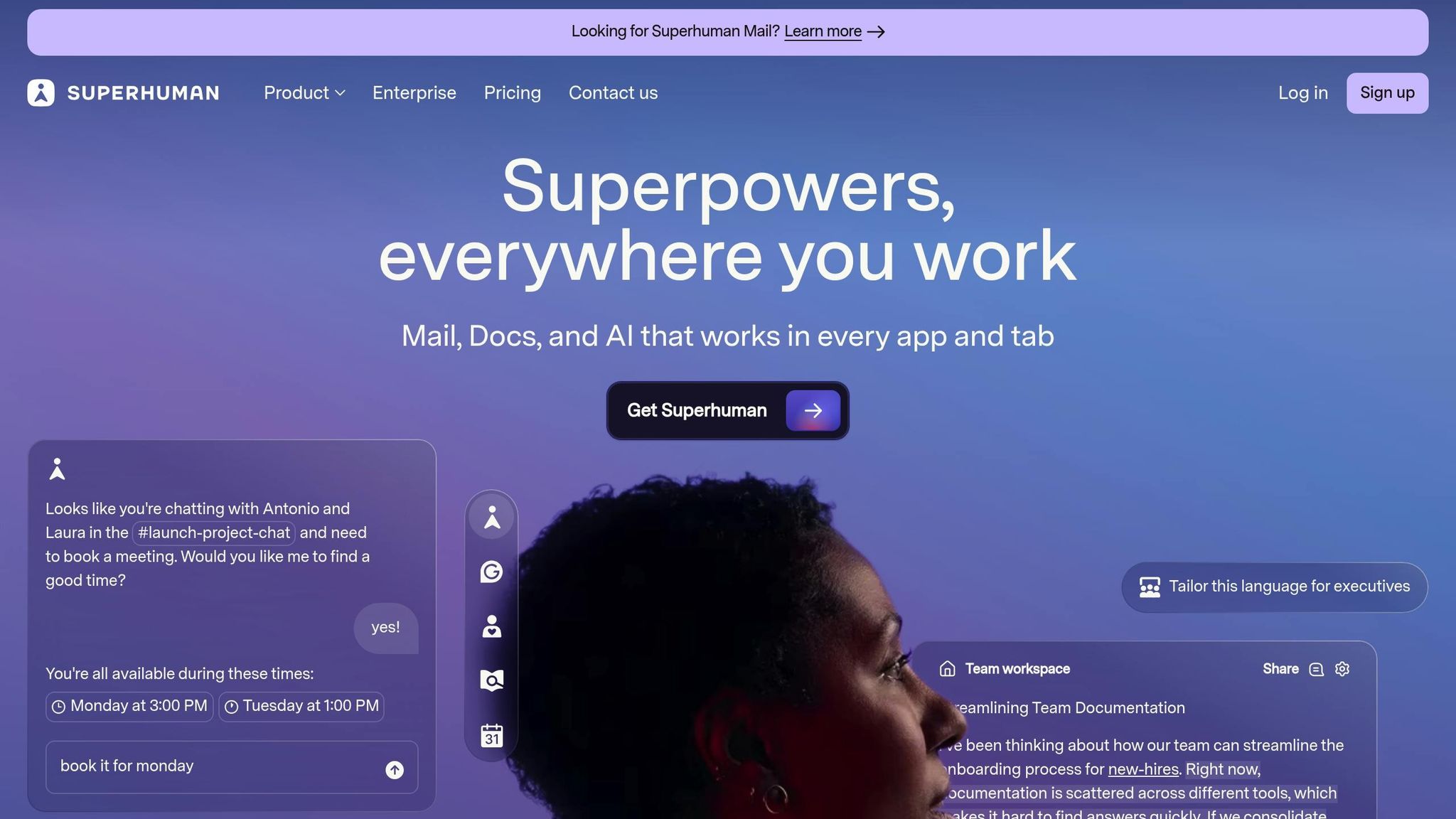
Superhuman is a high-end email client compatible with both Gmail and Outlook, available across various devices. The platform is built around what it calls the "100ms rule", ensuring every interaction happens in under 100 milliseconds to prioritize speed and efficiency. However, its keyboard-focused interface might take some getting used to for new users.
AI-Powered Features
Superhuman leverages AI to streamline email management. Features like AI prompts and Auto Labels automatically organize emails into categories such as "job applications" or "review requests". The Split Inbox feature creates dedicated tabs for better focus, while Auto Archive helps declutter by moving marketing and social updates out of sight.
One standout tool is Auto Summarize, which provides a real-time, one-line summary of conversation threads as new messages arrive. For quick responses, Instant Reply drafts emails that match your writing style, allowing you to tweak and send them in seconds. The Ask AI search tool takes it further, enabling natural language queries like "where’s the offsite?" to find information across your inbox, calendar, and even the web. According to Superhuman, these AI tools save team members an average of four hours each week.
Team Collaboration Tools
Superhuman also offers features tailored for team productivity. Team Scheduling simplifies setting up meetings by identifying free time across team calendars with just one tap. The built-in Read Status feature uses pixel tracking to show when and where emails are opened. Importantly, Superhuman emphasizes privacy with its "Zero Day Data Retention" policy, ensuring no data is stored with third-party providers or used for AI model training.
Pricing
Superhuman’s premium features come at a cost of $30 per user per month. Despite the price, many users find its tools indispensable. As one user, Erifili, shared:
"Actually can’t live without @Superhuman and Superhuman AI is such a game changer, the perfect example of a subscription I’d never cancel" – Erifili, @erifilii
Next, we’ll explore another solution that teams depend on.
3. Missive
Email Platform Support
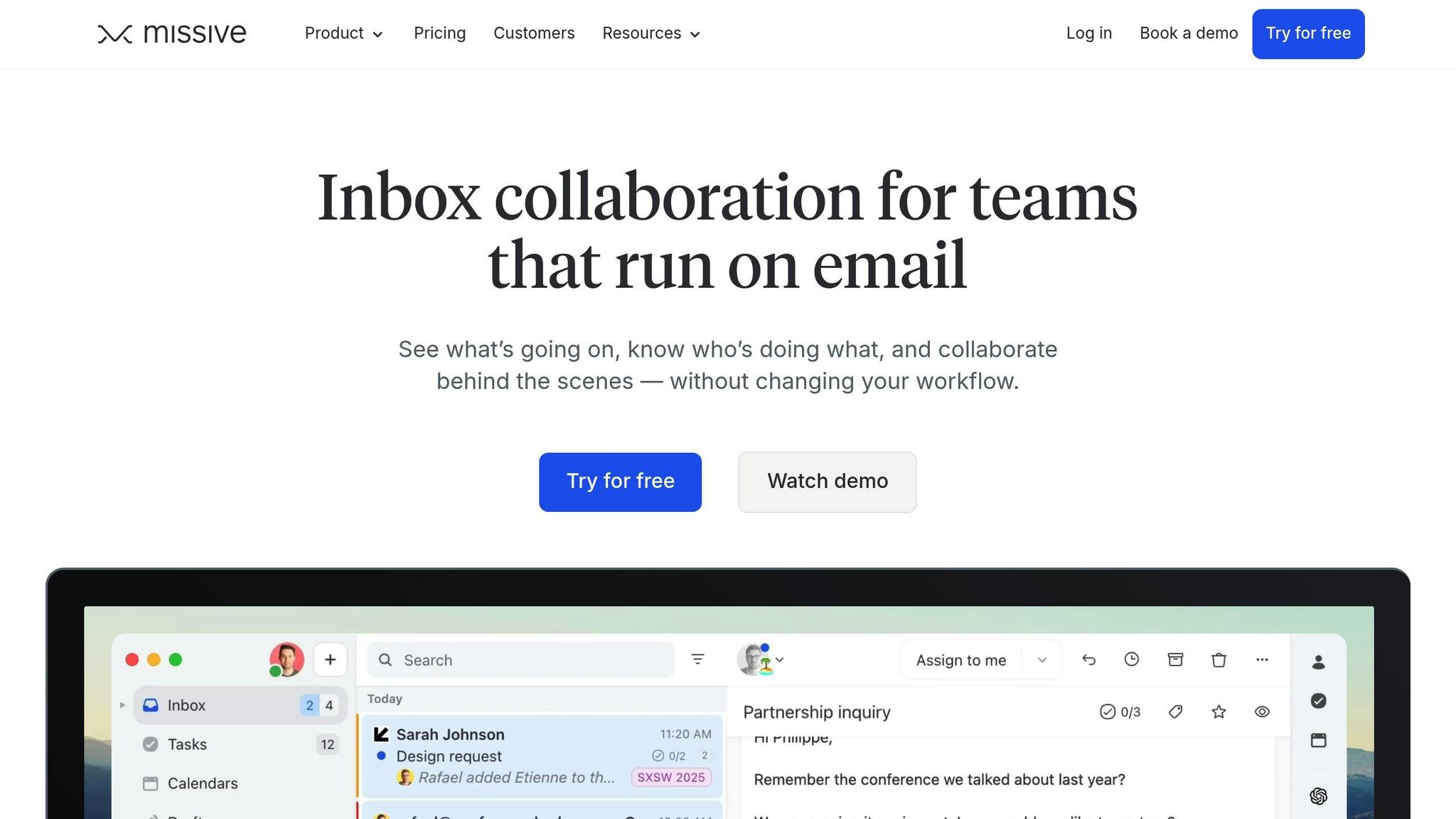
Missive brings together multiple communication channels – email, SMS, WhatsApp, Facebook Messenger, Instagram, and live chat – into one unified workspace. This eliminates the need to switch between apps, allowing teams to handle multi-channel conversations seamlessly.
AI-Powered Features
With Missive, teams can integrate their own OpenAI API keys to unlock powerful AI capabilities. These features include summarizing lengthy email threads, drafting responses tailored to the conversation, correcting grammar, translating text, and even adjusting the tone to align with your brand’s voice. This makes it easier for agents to understand complex customer histories without combing through every single message.
Team Collaboration Tools
Missive enhances teamwork with internal chat threads, enabling agents to discuss issues directly within email conversations. Additionally, its real-time shared drafts feature allows multiple team members to collaborate on responses, editing and composing together for faster, more accurate communication.
Pricing
Recognized as one of the leading AI email assistants for productivity in 2026, Missive is a popular choice for teams managing high volumes of communication. Many teams combine it with other AI tools to streamline ticket handling from start to finish. While pricing depends on specific needs, it remains a strong option for businesses juggling multiple channels. Up next, we’ll dive into another trusted solution for 2026.
4. Hiver
Email Platform Support
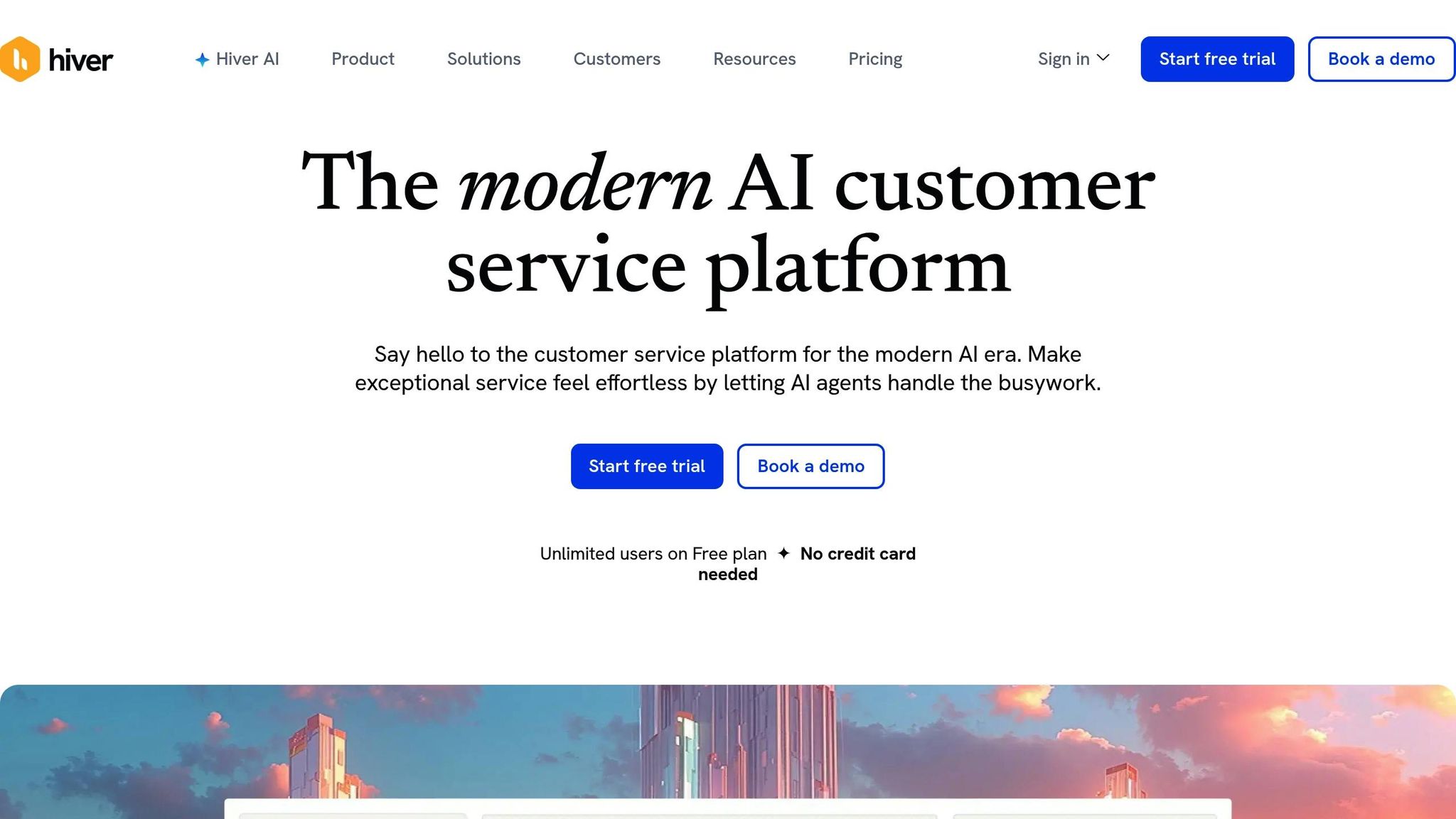
Hiver takes Gmail to the next level by turning it into a multi-channel help desk. With Hiver, teams can manage email, live chat, WhatsApp, and even voice calls (via Aircall) directly within Gmail – no need for a separate system.
The platform connects seamlessly with over 100 apps, including Salesforce and Slack, bringing customer context right into your inbox. It’s a great fit for small teams already using Gmail who want to add AI-driven customer support without the hassle of migrating to a new system.
AI-Powered Features
Hiver’s AI Copilot is like having a smart assistant in your inbox. It drafts replies, suggests next steps, and fine-tunes tone with AI Compose. The AI Summarizer simplifies long email threads into concise overviews saved as internal notes, making handoffs and escalations smoother. AI Extract identifies key details like order IDs for routing, while AI Tagging organizes messages automatically by topic or priority. On top of that, Sentiment Analysis detects the emotional tone of emails, helping teams focus on urgent or sensitive issues. And the Thank You Detector ensures closed conversations stay closed by spotting closure phrases like "Thanks!" or "Noted."
Nathan Strang, Ocean Freight Operations Manager, described Hiver as an "additional person" on the team, helping achieve 50% faster email resolution and saving 387 hours per month. Similarly, Emma Minnis, Interim Manager of Student Success, reported saving over 500 hours monthly with automated triage and routing, alongside a 90% reduction in tracking times.
Team Collaboration Tools
Hiver makes teamwork seamless. Features like shared drafts allow teams to co-author responses, while collision alerts prevent duplicate replies. Internal discussions are simplified with Notes and @mentions, eliminating the need to forward emails or add CCs.
Dakotah Shore, an IT Manager managing around 1,000 emails daily, shared that Hiver saved his team 495 hours per month, including 115 hours from the auto-assign feature alone.
Pricing
Hiver offers a free plan for unlimited users – no credit card required. Trusted by over 10,000 teams worldwide, Hiver has facilitated over 484 million support conversations to date. The platform’s onboarding process takes less than two hours, making it a quick and easy solution for teams ready to streamline their customer support operations.
"Hiver is a very friendly tool and doesn’t give you an alien feel. It removes the complexities of a legacy ticketing system and everything about it is simple." – Christian Sibayan, Manager – Field Operations and Systems
Up next, we’ll dive into another tool that stands out for its unique approach to AI-powered customer support.
5. Front
Email Platform Support
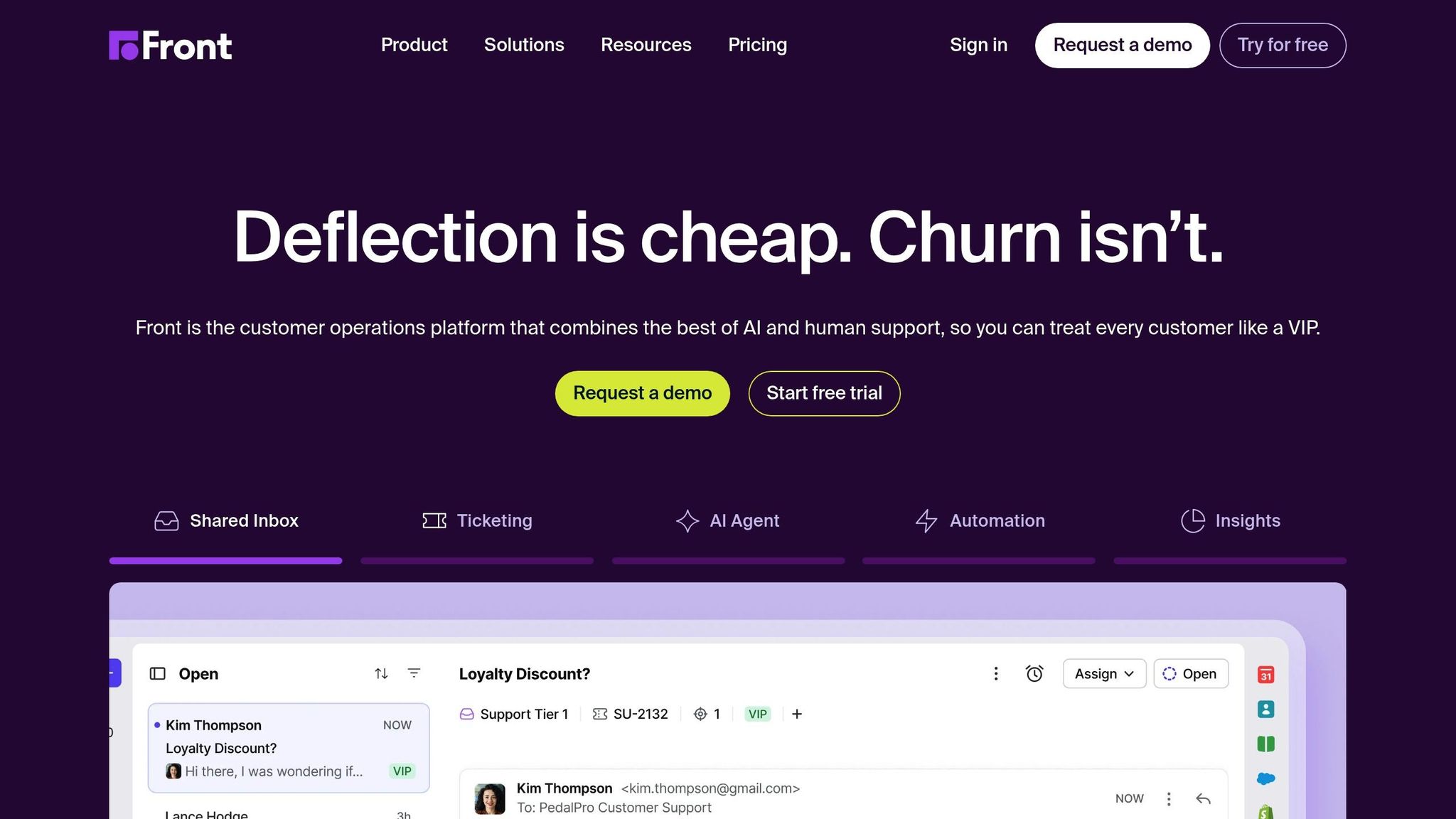
Front brings together email, SMS, WhatsApp, and live chat into a single inbox, offering seamless integration with over 100 apps, including CRMs and project management tools like Asana, Jira, and Trello. This setup ensures all customer context is centralized in one place, making communication more efficient.
More than 9,000 businesses worldwide rely on Front to manage their customer interactions. The platform strikes a balance between treating each interaction as a ticket and maintaining the personal touch of a one-on-one conversation.
AI-Powered Features
Front’s AI tools are designed to cut down on repetitive tasks. They summarize lengthy email threads, analyze conversation topics to route inquiries accurately, and even draft responses using past chats and help center materials through the Front Copilot feature. Meanwhile, Autopilot handles routine inquiries with customizable Playbooks and seamlessly escalates complex cases with all the necessary context.
Matthew Gohl, Chief Executive Officer, highlighted the impact of Front’s AI:
"Front AI Copilot now handles a solid share of our incoming questions, giving our customer support team back meaningful hours each week".
The results speak for themselves: teams using Front AI report saving 10,000 hours each quarter and achieving a 60% faster first response time.
Team Collaboration Tools
Front doesn’t just enhance customer communication; it also improves internal collaboration. Team members can work together on the same customer thread without exposing internal discussions to the customer. The platform ensures smooth handoffs between departments and integrates with project management tools to keep everyone aligned.
Mary Ochs, Head of Customer Support, shared her perspective:
"The best results come from combining the efficiency and analytical power of AI with the empathy and problem-solving skills of our incredible customer support team. Front helps us maintain that delicate balance between speed and quality".
Thanks to these tools, teams using Front have maintained an impressive 97% CSAT score while reducing overall workload by 10%.
Pricing
Front’s Starter plan is priced at $25 per user per month (billed annually) and includes features like Topics, Summarize, Compose, and Translate. A 14-day free trial is available with no credit card required. For teams looking to automate routine tasks, the Autopilot add-on costs just $0.89 per resolution. Higher-tier plans unlock advanced AI features such as Smart CSAT and unlimited Copilot usage.
sbb-itb-58cc2bf
6. MailMaestro
Email Platform Support
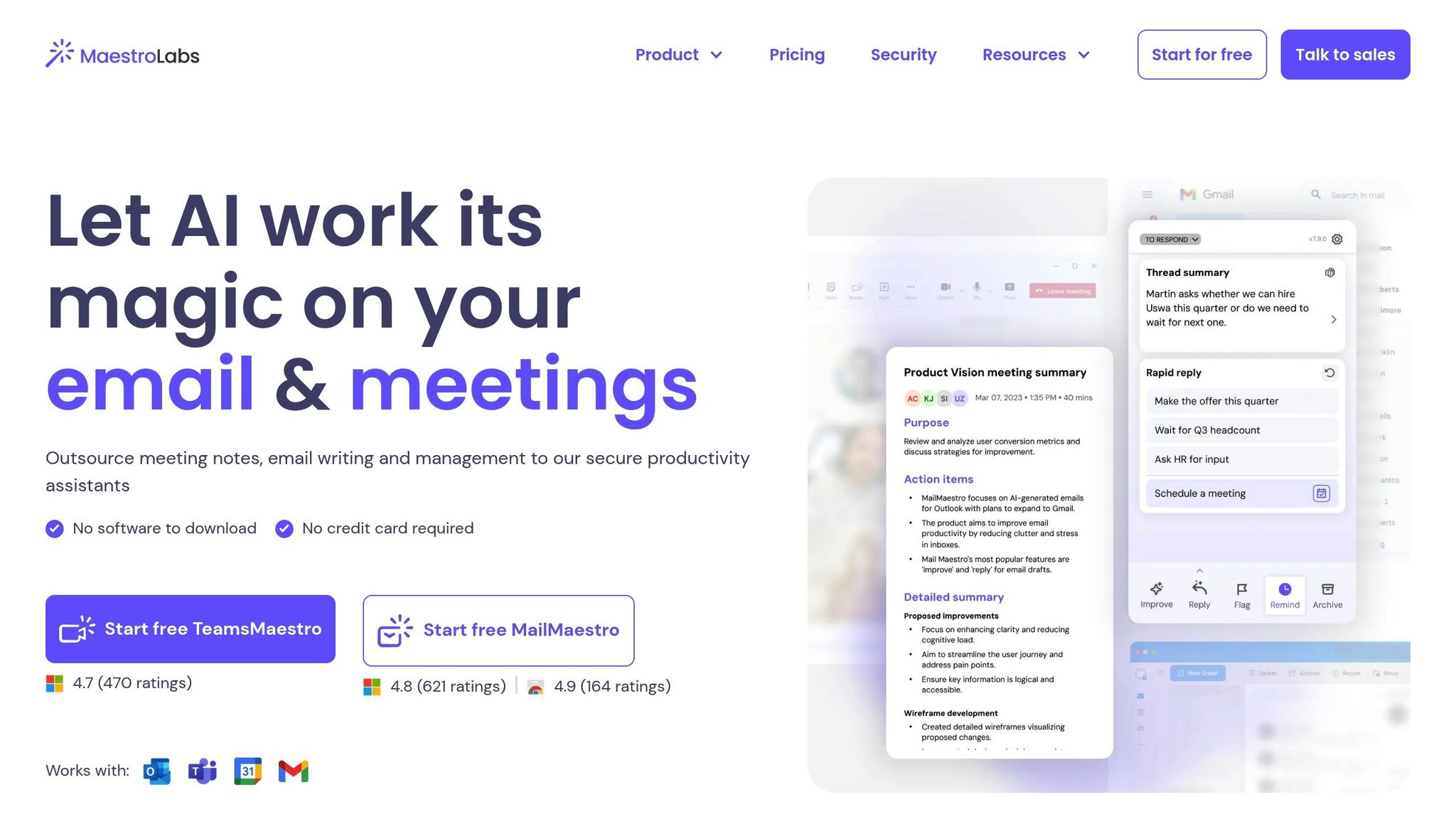
MailMaestro seamlessly integrates into your existing Gmail or Outlook inbox. There’s no need to transfer your data or get used to a new interface – it simply enhances your current email client with AI capabilities, keeping your familiar workflows intact.
Now, let’s explore how MailMaestro changes the way you manage emails with its AI-driven tools.
AI-Powered Features
This tool leverages advanced language models to simplify email management. It can summarize long email threads into clear, concise bullet points, making it easier to keep track of complex conversations. Additionally, it offers AI-assisted drafting, crafting responses that align with your previous emails and mimic your tone and style.
Pricing
MailMaestro is a standout among AI email assistants, excelling in tasks like drafting replies, prioritizing emails, and resolving calendar conflicts. Pricing depends on team size and selected features, but the tool ensures AI is seamlessly integrated into your existing email setup.
7. Help Scout
Email Platform Support
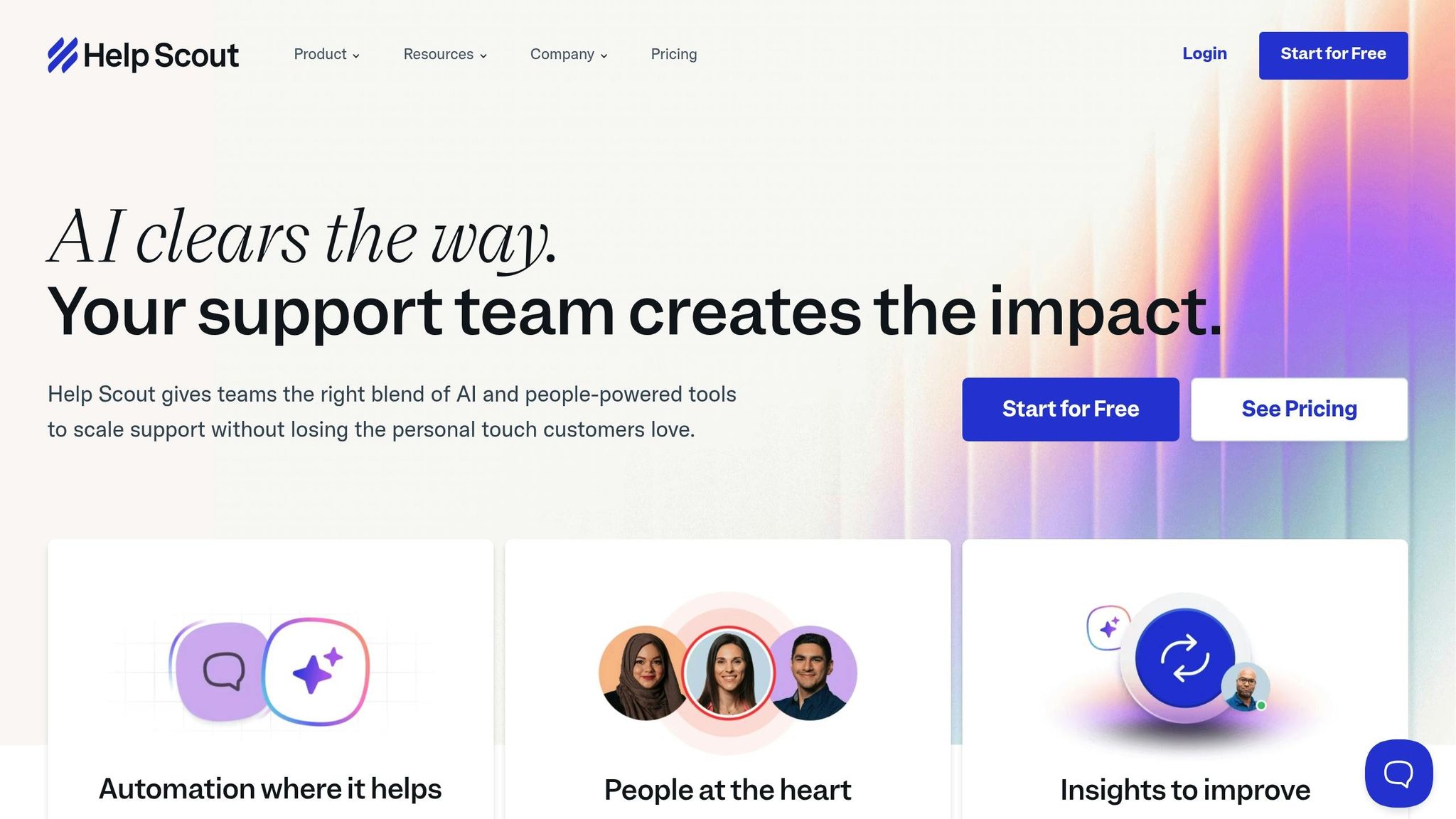
Help Scout is an all-in-one help desk solution that brings emails, live chat, and social media messages into a single shared inbox. This makes it easier for teams to manage customer communication in one place. It’s a great fit for growing teams and mid-sized companies that need more than just basic email tools. By centralizing all communication channels, Help Scout helps streamline workflows and keeps everyone aligned.
AI-Powered Features
Help Scout comes equipped with AI tools that are ready to use right out of the box – no extra plugins or setup required. AI Summarize condenses lengthy email threads into easy-to-read bullet points, giving agents quick context. AI Drafts creates response templates based on past conversations and help articles, making it easier for agents to craft personalized replies.
Other features include AI Assist, which fine-tunes writing by cutting unnecessary words, adjusting tone, or translating messages into over a dozen languages. Plus, AI Answers acts as a 24/7 virtual assistant, pulling answers directly from your knowledge base to handle common customer queries automatically. Teams using these AI tools see a 36% boost in email resolution rates compared to those who don’t.
Team Collaboration Tools
Help Scout’s shared inbox fosters teamwork by keeping everyone informed. Agents can leave internal notes to discuss tricky cases without cluttering the customer-facing conversation. AI Summarize also simplifies handoffs by providing a clear overview of ongoing discussions, so new agents can jump in without missing a beat. With AI Drafts pulling from previous responses, teams can maintain consistent messaging, even when multiple agents handle the same customer.
Pricing
Help Scout has four pricing tiers designed to meet the needs of different team sizes.
- The Free plan is perfect for solo entrepreneurs or very small teams just starting out.
- The Standard plan costs $55 per month and supports over 100 contacts, offering features like reports, surveys, and integrations.
- The Plus plan, priced at $83 per month, includes advanced tools like custom fields and workflows.
- For larger teams managing 1,000+ contacts, the Pro plan offers premium security features and specialized onboarding support.
A free trial is also available, allowing teams to explore the platform without any upfront commitment.
Best AI Email Assistants for 2025
Quick Comparison Table
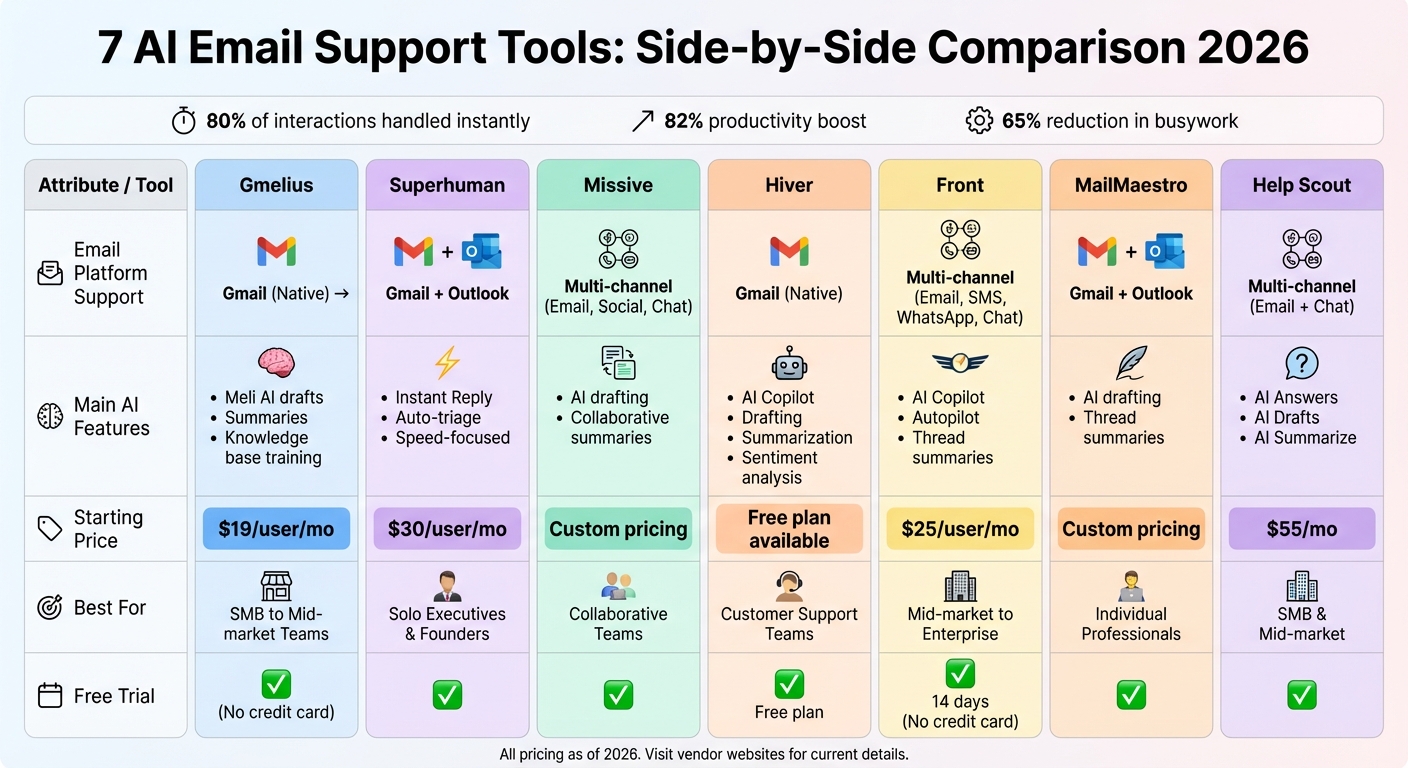
AI Email Support Tools Comparison: Features, Pricing & Best Fit for 2026
Here’s a handy table comparing email platform compatibility, AI features, pricing, and ideal team sizes for these seven tools:
| Tool | Email Platform Support | Main AI Features | Pricing | Team Size Fit |
|---|---|---|---|---|
| Gmelius | Gmail (Native Wrapper) | Meli AI for drafts, summaries, shared inbox, and knowledge base training | Starts at $19/user/mo | SMB to Mid-market Teams |
| Superhuman | Gmail, Outlook | Instant Reply, Auto-triage, speed-focused UI | $30/user/mo | Solo Executives & Founders |
| Missive | Multi-channel (Email, Social, Chat) | AI drafting and collaborative summaries | Custom pricing | Collaborative Teams |
| Hiver | Gmail (Native) | AI drafting, summarization, shared inbox | Custom pricing | Customer Support Teams |
| Front | Multi-channel (Email, SMS, WhatsApp, Live Chat) | AI drafting, workflow automation, summaries | Custom pricing | Mid-market to Enterprise |
| MailMaestro | Gmail, Outlook | High-quality drafting, thread summaries | Custom pricing | Individual Professionals |
| Help Scout | Multi-channel (Email and Chat) | AI Answers, sentiment analysis, summaries | Starts at $50/mo | SMB & Mid-market |
Gmelius and Hiver are tailored specifically for Gmail users, while Superhuman caters to both Gmail and Outlook, focusing on individual power users. For teams needing multi-channel support, options like Front, Missive, and Help Scout provide flexibility across email, SMS, and chat platforms. Pricing varies: Gmelius starts at $19 per user per month, Superhuman at $30 per user per month, and Help Scout at $50 per month, with other tools offering scalable pricing based on team size and feature requirements.
This table gives a quick snapshot of each tool’s key features, making it easier to pinpoint the best fit for your team’s communication goals. For more details, check out the comprehensive sections above.
Conclusion
When choosing from the top AI-powered tools for customer service, consider factors like your email platform, team size, and budget. For Gmail-only teams, Gmelius offers seamless integration at $19 per user per month. If your team works across Gmail and Outlook, Superhuman ensures a smooth experience for $30 per user per month. For those managing multiple channels like email, SMS, and WhatsApp, platforms such as Front or Help Scout provide broader communication capabilities.
Given that professionals spend an average of 4.1 hours daily on email, the right tool can save significant time. If you’re new to AI workflows, take advantage of free trials to ensure the tool’s tone aligns with your brand voice before making a commitment. This is where Quidget stands out.
For teams looking for simplicity without switching platforms, Quidget offers a versatile solution. It can be trained on your website, FAQs, or documents in minutes, deployed across channels like WhatsApp, Slack, and Zendesk, and can handle up to 80% of routine inquiries. When the AI encounters a question it can’t resolve, it seamlessly passes the full context to your human team.
With support for over 45 languages, Quidget provides a 7-day free trial – no credit card required. Pricing starts at $16 per month for 500 AI responses, scaling to $79 per month for 10,000 responses and advanced analytics. Try Quidget today to see if it fits your workflow needs.
FAQs
How can AI email tools make customer support more efficient?
AI email tools are transforming customer support by handling repetitive tasks and cutting down response times. With features like automated draft replies, instant answers pulled from knowledge bases, and email summarization, support teams can tackle a larger volume of inquiries without breaking a sweat. This means less time spent on routine questions and more energy devoted to solving complex customer issues.
These tools also help by routing tickets to the right agents, suggesting appropriate replies, and offering real-time insights to keep workflows smooth and efficient. By automating straightforward queries and delivering quick responses, AI tools not only improve productivity but also elevate customer satisfaction. They empower support teams to provide faster, more effective assistance, making life easier for everyone involved.
What should I look for when choosing an AI email customer support tool?
When choosing an AI email customer support tool, it’s important to weigh a few key factors to ensure it aligns with your needs. Start by evaluating its features. Does it provide auto-response capabilities, help organize emails effectively, or support multiple languages and channels? These functionalities can streamline your processes and save time.
Next, look into integration options. A tool that works seamlessly with platforms like Gmail, Outlook, or your CRM can help maintain smooth workflows and prevent unnecessary disruptions. Don’t overlook ease of setup and usability – a tool that’s quick to set up and simple to navigate can spare your team unnecessary headaches.
Lastly, consider cost and scalability. Many tools offer budget-friendly plans or even free tiers, making them a great option for startups or small teams. By keeping these factors in mind, you can select a solution that enhances productivity while staying within your budget and supporting your business growth.
Do these AI email support tools offer free trials?
Many AI email support platforms provide free trials or demos, allowing users to test their features before making a purchase. For instance, tools like Zendesk and InboxPilot typically offer demo requests or trial links, giving users a chance to evaluate their capabilities.
To verify if a free trial is available, visit the platform’s website or contact their sales team directly. Offering free trials is a common practice in the industry, so it’s safe to assume that most tools include this option for prospective users.


