


When it comes to customer support, AI tools trained on your website content can handle up to 80% of repetitive queries, saving time and cutting costs by as much as 90%. These tools use your FAQs, help documents, and product pages to deliver fast, accurate answers – no human intervention required. However, not all tools are created equal, and only 35% of users feel chatbots effectively solve their problems. The key is choosing AI solutions that learn from your content and integrate with your existing systems.
Here’s a quick look at 9 AI tools that can transform your website content into a responsive chat interface:
- Quidget: Quick setup (2 minutes), supports 45+ languages, integrates with Zendesk, Slack, WhatsApp, and more. Pricing starts at $79/month.
- Zendesk AI: Pre-trained on 18 billion interactions, supports 80+ languages, integrates with Zendesk tools, costs $1 per automated resolution.
- Ada CX: No-code setup, supports 100+ languages, connects with Salesforce, Zendesk, and WhatsApp.
- Kustomer IQ: Pulls data from past interactions, supports 50+ languages, integrates with CRMs like Salesforce.
- YourGPT: Customizable AI, supports multiple languages, blends AI with live agent handoffs.
- Fin (Intercom): Advanced AI engine, supports multilingual interactions, integrates with Intercom, Salesforce, and HubSpot.
- Tidio AI: Supports 100+ languages, integrates with Shopify, WordPress, and CRMs like HubSpot and Salesforce.
- Drift AI Chatbot: Crawls your website for training, supports 30+ languages, connects with Salesforce and helpdesk platforms.
- LivePerson AI: Uses "grounding" for accuracy, supports 40+ languages, integrates with CRMs and messaging apps.
These tools are designed to save time, improve customer experiences, and reduce support costs. Whether you need multilingual support, seamless integrations, or fast deployment, there’s an option for every business size and need.
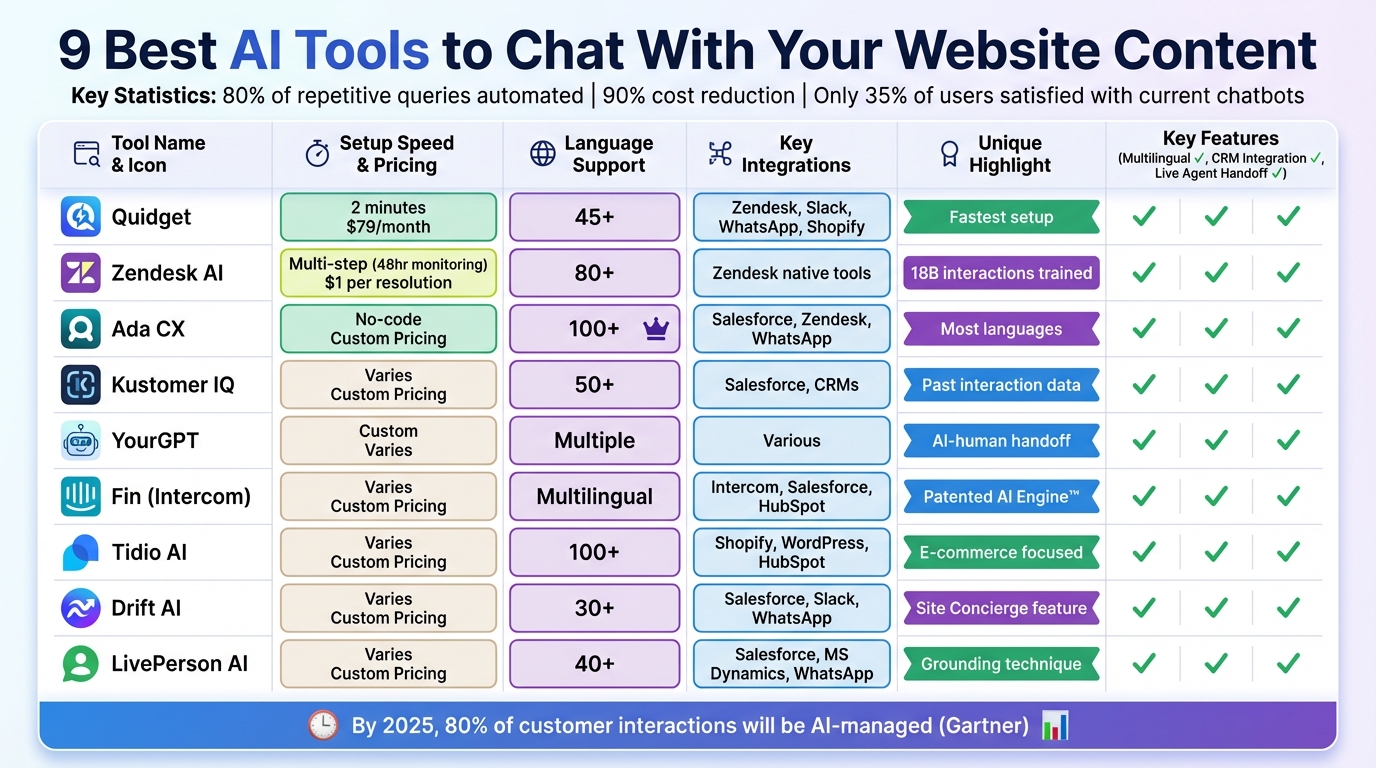
Comparison of 9 AI Chatbot Tools for Website Content
How to Train AI on Your Website Content (Chatbot Builder Review)
1. Quidget – AI Agent Builder for Customer Support & Sales
Quidget is a powerful AI tool designed to transform website content into smart, responsive chat experiences tailored for customer support and sales.
Training on Website Content (FAQs, Documents, etc.)
Quidget simplifies the process of building a knowledge base by pulling information directly from your website URLs, FAQs, or uploaded PDFs – all in just 90–120 seconds. No developers required. The Pro plan allows up to 2,000 training sources per chatbot, while the Pro Plus plan expands this capacity to 10,000 sources.
You can manually refresh the training data whenever updates are needed, like changes to pricing or features. Softorino, for example, adopted Quidget in early 2025 and reported that the AI managed 60% of their first-level customer responses.
"Setting up Quidget was surprisingly quick – It now handles 60% of our first-level responses, slashing wait times and letting our team focus on real customer needs. It’s been a game-changer for us." – Alex, Customer Success Manager, Softorino
This efficient training process ensures the AI is well-equipped to address a variety of customer needs and improve customer self-service on a global scale.
Multilingual Support
Quidget automatically detects and responds in the customer’s preferred language, supporting over 45 languages like Chinese, French, and Spanish. There’s no need for separate training for each language. With real-time translation, messages are converted instantly, enabling seamless communication and allowing local teams to assist international customers without any language hurdles.
Integration Capabilities (CRMs, Messaging Apps, etc.)
Once trained, Quidget integrates seamlessly with various platforms. It connects with help desks such as Zendesk, Freshdesk, and Intercom, as well as messaging apps like WhatsApp, Slack, Telegram, Viber, and Facebook Messenger. For e-commerce, it works with Shopify and WooCommerce, and embedding it on your website is as easy as using Google Tag Manager or inserting a simple code snippet. Additionally, the Calendly integration lets Quidget schedule sales meetings directly through the chat interface.
Hybrid AI-Human Support (Handoff to Live Agents)
When a query becomes too complex, Quidget smoothly hands off the conversation – complete with the chat history – to a live agent. Businesses can set custom escalation rules to determine when this handoff should happen, ensuring every question gets a response. If your business doesn’t use a formal helpdesk, Quidget can route unanswered questions directly to a team email, so nothing slips through the cracks.
2. Zendesk AI
Zendesk AI is a customer support tool designed to handle complex customer queries and understand sentiment right out of the box. Pre-trained on over 18 billion real service interactions, it’s built to deliver quick, accurate responses from day one. Let’s dive into how Zendesk AI leverages your website content to provide meaningful, contextual answers.
Training on Website Content (FAQs, Documents, etc.)
Zendesk AI taps into your existing resources like help center articles, FAQs, and knowledge bases to generate responses. By connecting your content, the AI becomes operational within minutes. It uses Retrieval-Augmented Generation (RAG) to ensure that answers are precise and grounded in the information you’ve already documented. Reviewing past support tickets can help you identify gaps in your knowledge base and refine the AI’s performance. Additionally, it can pull from external sources to broaden its understanding.
"Zendesk AI agents are the most autonomous customer service bots available, pre-trained on over 18 billion real interactions to handle complex requests and grasp the nuances of CX from day one – no technical resources required." – Candace Marshall, Vice President, Product Marketing, AI and Automation, Zendesk
Multilingual Support
Zendesk AI supports over 80 languages and automatically detects a customer’s language. This multilingual capability is powered by training on billions of interactions, ensuring accurate and culturally appropriate responses. For example, Ivana Suljetovic, Director of Member Services at Personify Health, shared in January 2026 that adopting Zendesk’s AI and self-service features helped avoid a projected 25%–30% budget increase required to manage rising support demands.
Integration Capabilities (CRMs, Messaging Apps, etc.)
Zendesk AI integrates smoothly with your website and CRM systems, making live chat interactions more effective. It can pull real-time data like purchase history or account details during conversations, enhancing personalization. The AI also works across popular messaging platforms like WhatsApp and Facebook Messenger. With its point-and-click interface, you can configure it to handle tasks like processing refunds or updating orders – no coding skills needed. For instance, HelloSugar, a salon chain, automated 66% of its customer queries using Zendesk AI, saving $14,000 monthly while doubling its locations without increasing staff.
Hybrid AI-Human Support (Handoff to Live Agents)
Zendesk AI is designed to collaborate seamlessly with live agents. When a situation becomes too complex, the AI transfers the conversation to a human agent, ensuring all context is passed along so customers don’t have to repeat themselves. Handoff is based on factors like agent expertise, language, availability, and customer sentiment. Lush, a cosmetics brand, uses Zendesk AI to handle routine inquiries by tagging tickets, saving approximately 5 minutes per ticket and 360 agent hours each month. Pricing for Zendesk AI starts at $1.00 per automated resolution, with a 14-day free trial available.
3. Ada CX
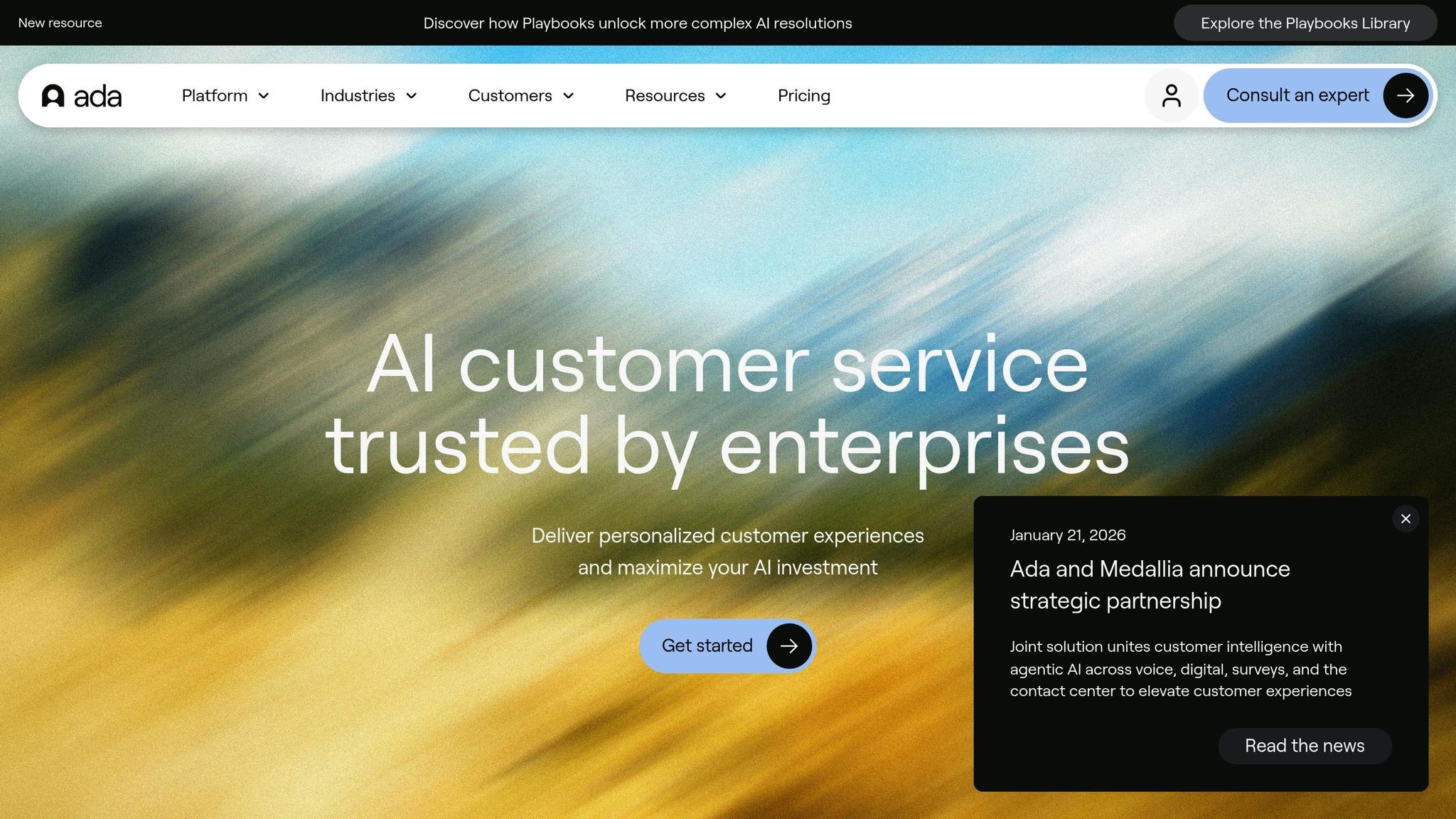
Ada CX turns your website content into automated customer responses. Its no-code setup means you can launch an AI-powered agent quickly – no developers required. The platform supports over 100 languages and seamlessly connects to your CRM and messaging platforms to deliver responses tailored to each customer.
Using Your Website Content (FAQs, Documents, and More)
Ada CX uses your existing resources, like FAQs, help articles, and product documentation, to train its AI. Once you upload your content, the AI agent is ready to answer customer questions based on that information. This approach ensures your customers get accurate answers while maintaining consistency across global interactions.
Language Flexibility
Ada CX automatically detects and responds in the customer’s preferred language at the start of a conversation. With support for more than 100 languages, it eliminates the need to create separate bots for different regions. Whether your customers speak Spanish, French, or Mandarin, Ada CX ensures they receive responses in their own language.
Seamless Integrations with CRMs and Messaging Platforms
Ada CX works effortlessly with popular CRMs like Salesforce, Zendesk, and Oracle – no coding needed. These integrations enable the AI to access customer details, such as order history or account status, for more personalized interactions. On top of that, Ada CX connects with messaging apps like WhatsApp, Facebook Messenger, Instagram, and SMS, making it easy to engage with customers across multiple platforms.
4. Kustomer IQ
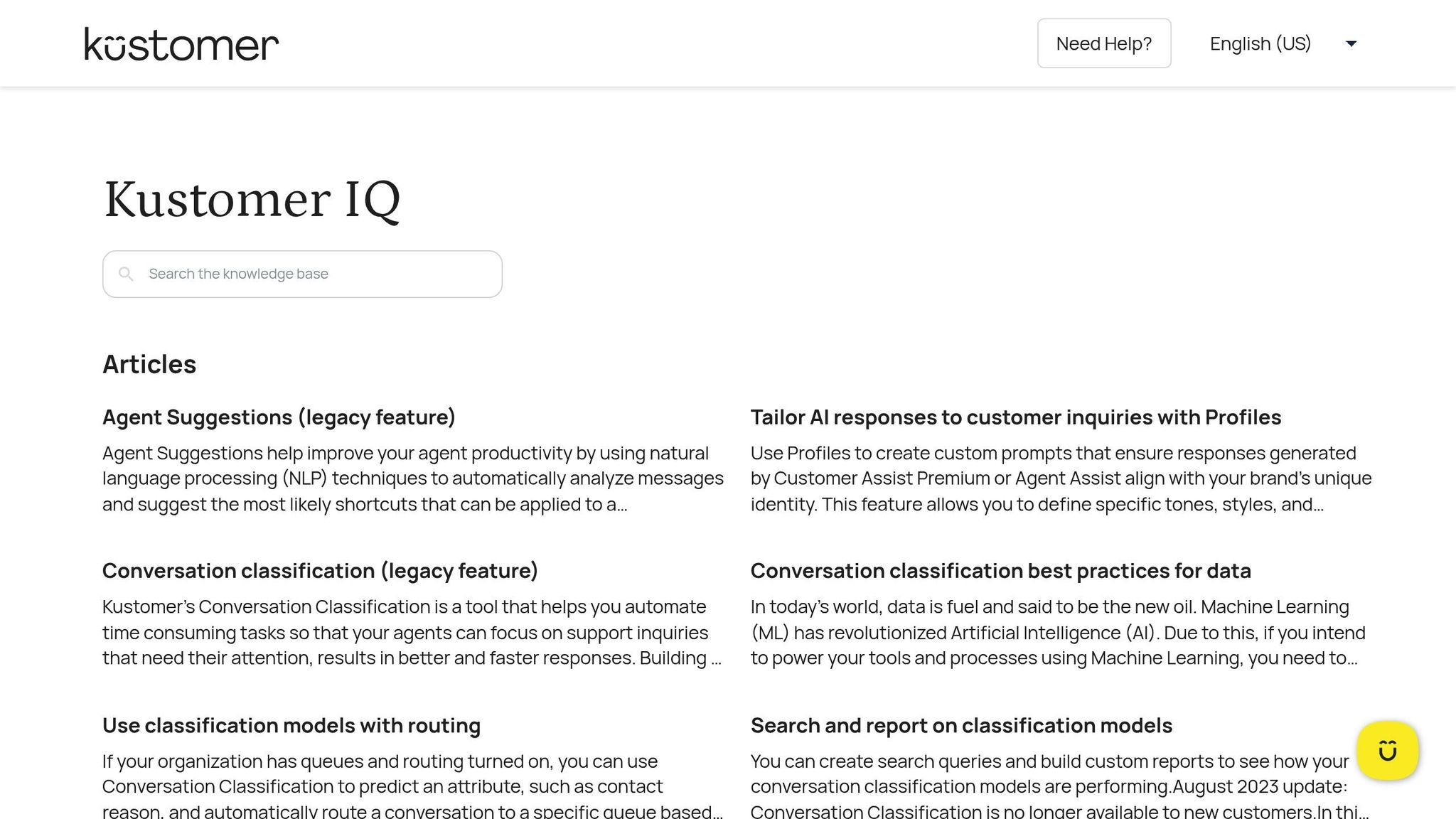
Kustomer IQ creates its AI support agent by tapping into your knowledge base, website content, and historical conversation records. It analyzes help documents, product details, troubleshooting guides, and past customer interactions to craft responses that align with your business’s current offerings. This ensures the AI reflects how your team addresses customer inquiries. Plus, it’s designed to handle multilingual interactions effortlessly.
Multilingual Support
With support for over 50 languages, Kustomer IQ automatically identifies your customer’s language. If a situation calls for human assistance, it offers real-time translation to ensure smooth communication across language barriers.
5. YourGPT
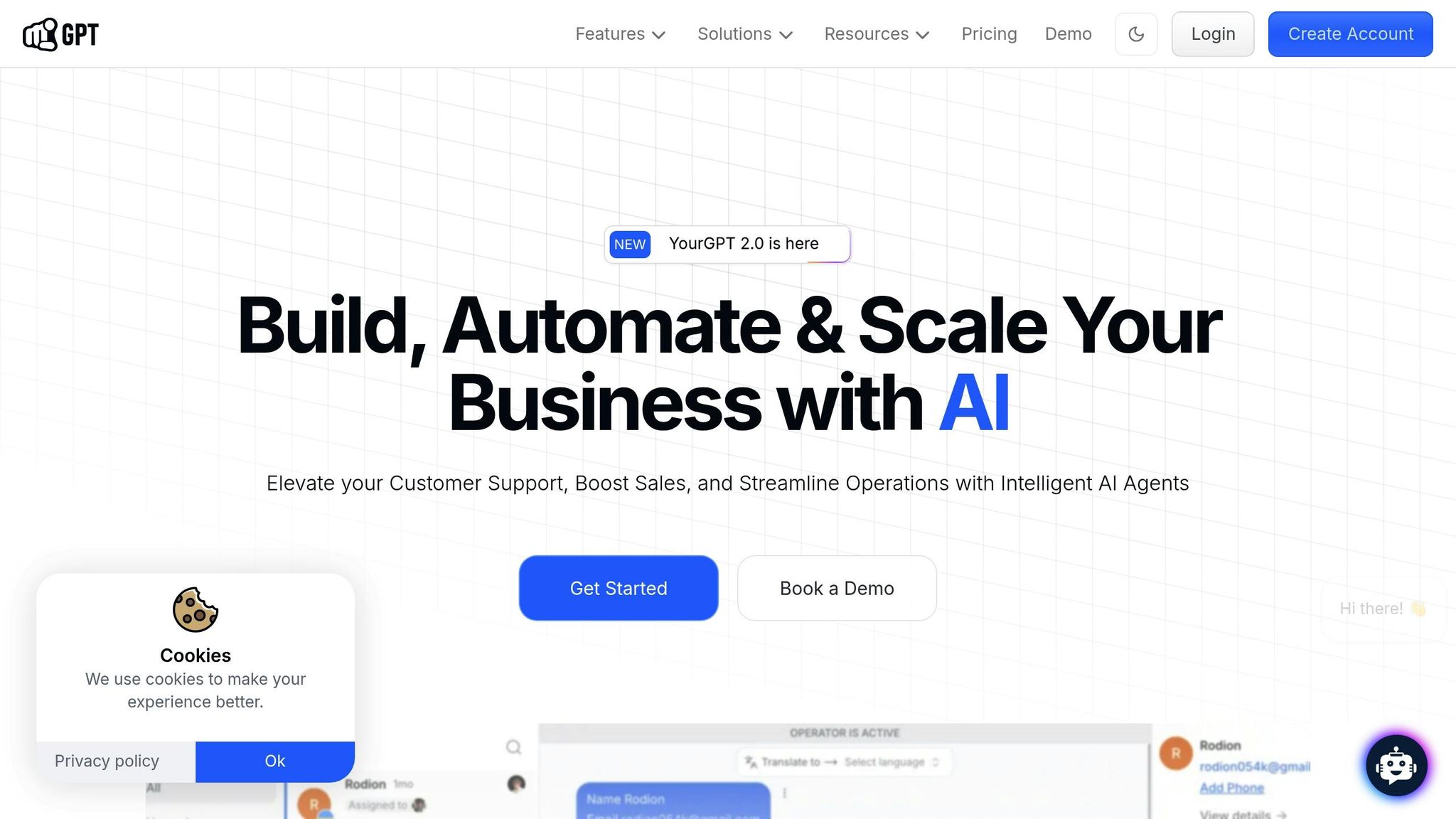
YourGPT is designed to create an AI agent tailored to your business by using your website, FAQs, and documents. It builds a custom knowledge base from your content, ensuring responses align with your brand’s tone and specific needs. Additionally, it offers features like custom training and live agent support for refined interactions.
Using Your Website Content
YourGPT allows you to upload various content formats, including PDFs, Word documents, text files, and web pages. From this, it constructs a knowledge base that powers customer interactions. For example, if a customer asks about shipping policies or product details, the AI draws directly from your documentation instead of relying on generic answers.
Support for Multiple Languages
The platform is equipped to handle multiple languages. It automatically detects the customer’s language and responds accordingly, making it easier for non-English speakers to get the help they need without added barriers.
Blending AI and Human Support
YourGPT also offers a seamless handoff to human agents when necessary. If the AI encounters a question it can’t handle, it transfers the conversation to a live agent within the same chat window, notifying your team instantly to ensure smooth customer support through automated self-service.
sbb-itb-58cc2bf
6. Fin (Intercom)
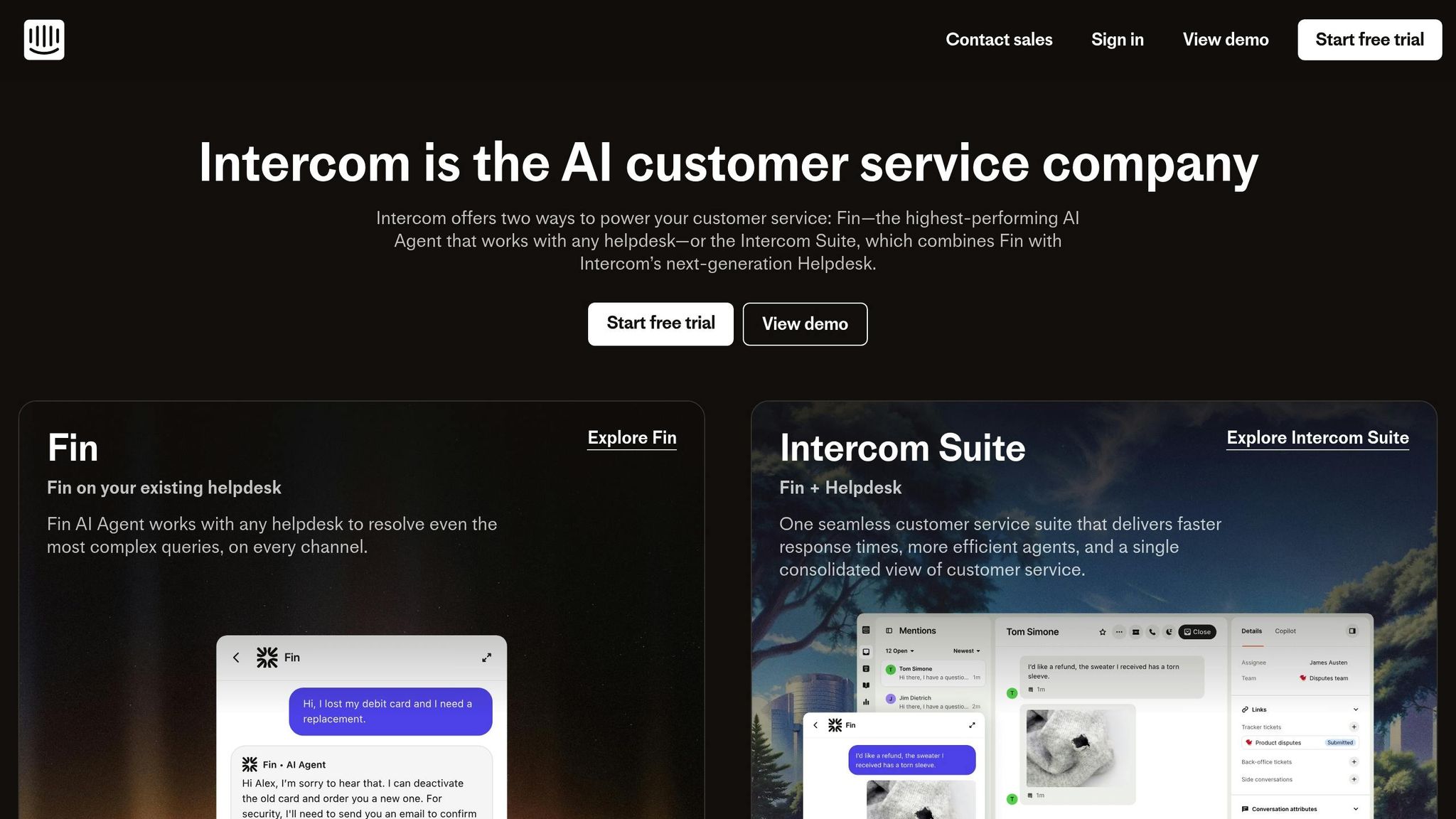
Fin is tailored for support teams dealing with high volumes of customer inquiries, offering an AI-powered agent capable of tackling even the most complex questions. Its patented AI Engine™ operates through five steps: refining the customer query, retrieving relevant information, reranking for precision, generating a response, and validating the final output. This process ensures customers receive accurate answers before they even reach out to a human agent.
Training on Your Business Content
You can train Fin using your company’s knowledge base, FAQs, policies, and other help documentation. This allows it to deliver responses that align with your business’s unique guidelines. Fin also incorporates a continuous improvement system, known as the Fin Flywheel, which enhances its performance by testing, deploying across channels, and fine-tuning its accuracy over time.
Multilingual Support for Global Reach
For businesses with an international audience, Fin offers support in multiple languages, making it a practical choice for managing customer interactions worldwide.
Seamless Integrations
Fin works with popular helpdesk platforms like Zendesk, Salesforce, HubSpot, and the Intercom Customer Service Suite. It supports live chat, email, and ticket handling by pulling customer history and account details directly from your CRM. Additionally, Fin includes a no-code workflow builder with triggers, webhooks, and API calls, enabling event-driven automation. These integrations ensure a smooth and consistent customer support experience across all channels.
AI-Human Collaboration
When Fin encounters a query it can’t resolve, it seamlessly hands off the conversation to a human agent, following your team’s assignment rules. This transition happens without interrupting the chat, ensuring customers don’t have to repeat their issues. Angelo Livanos, Vice President of Global Support at Lightspeed, shared that Fin resolves up to 65% of conversations independently and plays a role in 99% of customer interactions.
7. Tidio AI
Tidio AI taps into your website’s content by pulling data from URLs, importing FAQ pages, and processing uploaded files like PDFs or text documents. This approach builds a tailored knowledge base that mirrors your business’s specific information, enabling the AI to address customer questions without needing you to manually program responses for every possible query.
Training on Website Content
Tidio AI learns by analyzing your existing help documentation, product details, or policy pages. It processes this information to understand your business and provide accurate answers to customer inquiries based on the content already available on your site. Once the knowledge base is built, the AI is equipped to assist customers in multiple languages.
Multilingual Support
Tidio AI is designed to handle over 100 languages, automatically detecting a visitor’s language based on their browser settings or the first message they send. It then adjusts the chat interface and responses to match the visitor’s language. This feature is available for both AI-powered interactions and manual bot workflows, ensuring seamless communication.
Integration Capabilities
Tidio integrates with popular e-commerce platforms like Shopify, WordPress, Wix, Squarespace, BigCommerce, Magento, and PrestaShop. It also connects with CRM and marketing tools such as HubSpot, Pipedrive, Zendesk, Salesforce, Mailchimp, and ActiveCampaign, making it easier to centralize customer communications. If automated responses fall short, Tidio facilitates a smooth handoff to a human team member.
Hybrid AI-Human Support
When Tidio AI encounters a question it can’t resolve, it automatically transfers the conversation to a human agent, ensuring the customer gets the help they need without interruption.
8. Drift AI Chatbot
Drift AI Chatbot leverages generative AI through its Site Concierge feature to tap into your company’s knowledge base. It works by crawling website URLs, syncing with platforms like Zendesk and Salesforce Knowledge, and processing documents such as PDFs and manuals. This enables the chatbot to learn from your business’s content and provide accurate answers to customer inquiries.
Training on Website Content
Drift builds its knowledge base by scanning your website pages, importing FAQs, and analyzing uploaded documents. Once the information is processed, the chatbot can handle questions about your products, services, or policies with responses tailored to your specific business. After the knowledge base is set up, Drift ensures the chatbot is accessible worldwide.
Multilingual Support
With support for over 30 languages, Drift AI Chatbot is designed to connect with a global audience. It automatically identifies the visitor’s language – either through their browser settings or the first message they send – and maintains the conversation in that language throughout the interaction.
Integration Capabilities
Drift goes beyond language support by integrating seamlessly with essential business tools. It connects with platforms like Salesforce, helpdesk systems, and messaging apps such as Slack and WhatsApp. These integrations bring customer data and communication channels together, making it easier for businesses to manage conversations across multiple platforms from one central hub.
9. LivePerson AI
LivePerson AI stands out with its Knowledge AI feature, which pulls support information from various sources. Whether it’s website URLs, FAQs, or uploaded files like PDFs and CSVs, the platform gathers relevant data to build a robust knowledge base. Once set up, it crawls the specified domains to extract the information your customers need.
Training with Your Content
The platform ensures accuracy by using a "grounding" technique. This approach means the AI only responds based on the content you provide. You can upload documents directly or allow the system to scan your website pages, gradually expanding its database. This process ensures the AI stays true to your content, offering precise answers before engaging with a global audience.
Multilingual Features
LivePerson AI supports conversations in over 40 languages, making it a great fit for businesses with customers worldwide. Its native Natural Language Understanding (NLU) goes beyond simple translation by capturing intent and context. For languages that are less common, the LiveTranslator tool steps in, offering real-time translations and enabling human agents to assist seamlessly. These language capabilities work hand-in-hand with the platform’s integration options.
Seamless Integrations
LivePerson AI integrates with popular CRMs like Salesforce and Microsoft Dynamics 365, as well as messaging platforms such as WhatsApp, Apple Messages for Business, Google Business Messages, Facebook Messenger, SMS, and LINE. By pulling data from your existing tools, it consolidates all conversations into a single, easy-to-manage interface.
Feature Comparison Table
Here’s a quick snapshot of how the two tools stack up against each other:
| Tool | Training Methods | Setup Time | Language Support | Integration Options | Escalation to Live Agents |
|---|---|---|---|---|---|
| Quidget | Website URLs, FAQs, PDFs, and text files | 90 seconds to 2 minutes | 45+ languages with auto-detection | Zendesk, Freshdesk, Intercom, WhatsApp, Slack, Telegram, Viber, Facebook Messenger, Shopify, WooCommerce, Calendly | Escalates complex queries with full context |
| Zendesk AI | Help Center and Knowledge Base content | Multi-step process with a 48‑hour monitoring period | Supports multiple languages with real-time translation | Native Zendesk channels (messaging, email, web forms) | Gathers key information during handoff |
Quidget stands out for its lightning-fast setup – just 90 seconds to 2 minutes – and its ability to handle up to 80% of common customer queries right off the bat. Priced at $79/month for 10,000 responses, it’s a budget-friendly option for small teams looking to get up and running quickly.
Both tools rely on your existing content – whether FAQs, documents, or knowledge bases – to train their AI. However, the differences in setup time, language capabilities, and integration options can help you decide which one aligns better with your customer support goals.
Conclusion
In this article, we’ve taken a closer look at AI tools that transform your website content into responsive customer support. Choosing the right tool depends on factors like how quickly you can deploy it, the channels it supports, and the level of control you have over AI-to-human transitions.
Features like round-the-clock availability and multilingual capabilities have become standard. Today’s AI agents respond instantly in multiple languages, offering a way to significantly cut support costs. With a combination of fast setup, global language support, and seamless AI-to-human handoffs, these tools can place your business at the cutting edge of customer service.
The shift from basic chatbots to advanced AI agents is well underway. According to Gartner, by 2025, 80% of customer interactions will be managed by AI-powered systems. Early adopters of these tools stand to gain a distinct competitive advantage.
If you’re ready to explore, start with a free trial to see how the tool handles real customer queries. Keep an eye on key metrics like engagement rate (aim for 8–15%) and support deflection (target 25–40%) during your first week. This hands-on approach will help you determine if the tool aligns with your workflow.
Interested in automating your support? Try Quidget free for 7 days – no credit card required – and discover how AI can streamline your team’s efforts.
FAQs
How can AI tools work with my current customer support systems?
AI tools seamlessly plug into your current customer support platforms, such as Zendesk, Slack, or WhatsApp. With these integrations, AI agents can take care of routine tasks – like answering FAQs, qualifying leads, and escalating more complex issues to human agents – without requiring you to overhaul your existing setup.
You can also embed AI tools on your website using straightforward scripts or no-code solutions. This enables smooth interactions across various channels like live chat, messaging apps, or email. The result? Enhanced customer support capabilities while keeping the experience consistent and unified for your customers.
What are the advantages of using AI tools for multilingual customer support?
Using AI tools for multilingual customer support opens up a world of possibilities for businesses. These tools make it easier to assist customers in various languages without the need to hire dedicated language experts, allowing companies to expand globally while keeping expenses under control. With real-time language detection and translation, AI removes communication hurdles and helps resolve issues faster.
On top of that, AI helps maintain a consistent and polished brand voice across different regions, offering a more cohesive and tailored customer experience. By delivering quick, accurate, and culturally appropriate support, businesses can boost customer satisfaction, strengthen loyalty, and streamline their operations – all at the same time.
How do AI tools make customer support more efficient and cost-effective?
AI tools are transforming customer support by making it more efficient and cost-effective. By automating repetitive tasks and handling a large volume of inquiries, these tools eliminate the need for constant human involvement. For instance, AI chatbots can manage up to 80% of routine support requests. This not only slashes response times but also frees up team members to tackle more complex issues.
These tools are powered by resources like a company’s website, FAQs, and internal documents, enabling them to deliver accurate, context-specific answers. When necessary, they can seamlessly escalate cases to human agents, ensuring customers receive the help they need without interruptions. Operating around the clock, AI tools streamline workflows, reduce staffing requirements, and help businesses save money – all while boosting customer satisfaction and delivering quicker service.


