

Meet Quidget @ Zapier: Turn Every AI Conversation Into Action Across 9,000+ Apps

Your AI support agent is already doing the hard part — answering questions, qualifying visitors, and capturing the people who matter most to your business. But a captured lead that sits inside a chat window isn’t worth much until it reaches the tools where your team actually works.
That’s what today’s news fixes. Quidget now integrates with Zapier, connecting your AI agent to more than 9,000 apps — HubSpot, Google Sheets, Outlook, Airtable, ActiveCampaign, and the rest of your stack — with no code required.
How it works
The integration is built around a single, powerful trigger: New Contact. The moment your Quidget agent captures someone’s details in a conversation, Zapier fires instantly and routes that contact wherever you need it. From there, you choose the action — create a CRM record, log a row, send an email, kick off a nurture sequence. One trigger, thousands of possible destinations.
Because it runs on Zapier’s platform, every workflow inherits enterprise-grade security and compliance (SOC 2, GDPR) and a visual builder that takes minutes to set up. No engineering tickets, no waiting.
Below are the three workflows we expect most teams to reach for first — and the business outcome each one drives.
1. Quidget → HubSpot: never lose a qualified lead again
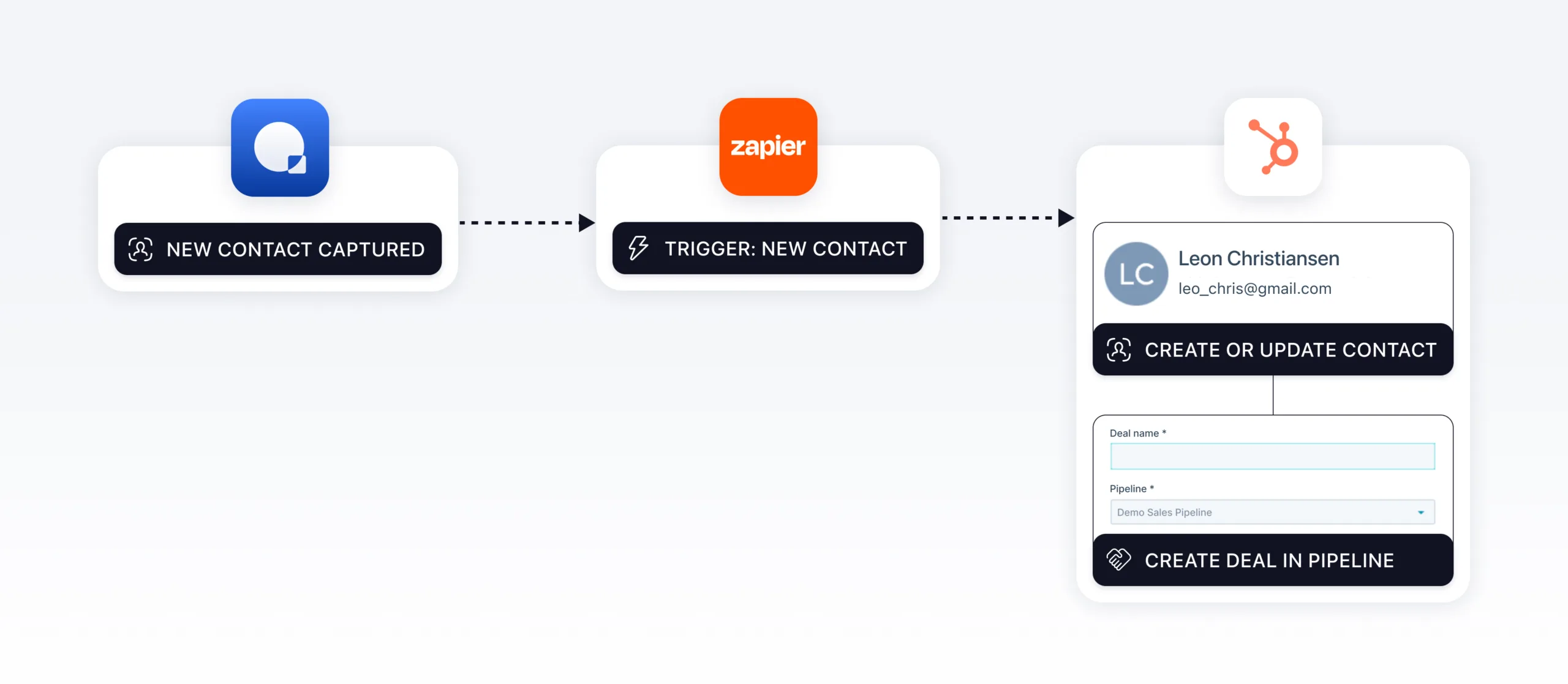
The workflow: When your agent captures a new contact, Zapier creates or updates the matching contact in HubSpot — deduplicated by email — and can automatically spin up a deal in your pipeline.
Why it matters: Leads captured by an AI agent are often your warmest, because the person just engaged with your brand and raised their hand. Manually copying them into your CRM is slow, error-prone, and the kind of task that quietly gets skipped on a busy day. This flow closes that gap entirely. Every conversation that produces a contact lands in HubSpot with clean data, ready for your sales team to work — and optionally already attached to a deal so nothing falls through the cracks. The outcome is a tighter funnel, better CRM hygiene, and faster handoffs from “interested visitor” to “active opportunity.”
Best for: Sales and marketing teams that run their pipeline in HubSpot and want their AI agent feeding it automatically.
2. Quidget → Google Sheets: a live, zero-effort lead log
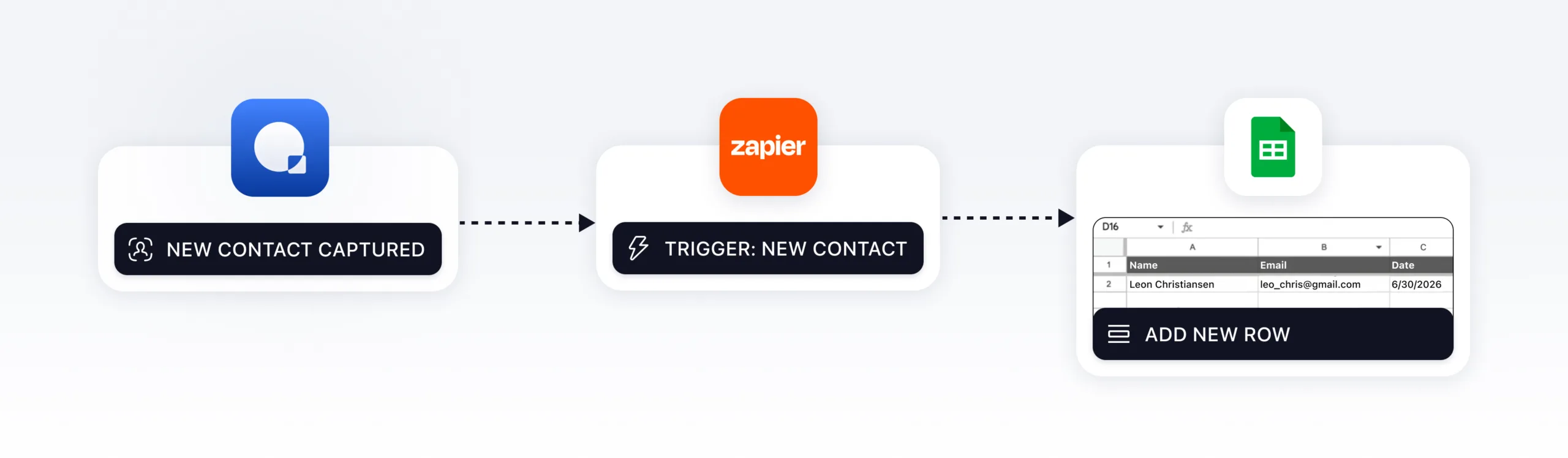
The workflow: Each new Quidget contact becomes a new, timestamped row in a Google Sheet.
Why it matters: Not every team runs a CRM — and even those that do often want a simple, flexible record they fully control. A spreadsheet is the universal answer. This is the lowest-friction automation you can build: it needs nothing more than a sheet, and within minutes you have a running log of every lead your agent captures. Use it as a daily handoff queue for your SDRs, a source for reporting and dashboards, or a lightweight database you can filter and sort however you like. The outcome is full visibility into what your AI agent is generating, with zero manual data entry and a single source of truth anyone on the team can open.
Best for: Teams that want instant capture and reporting without committing to a CRM — or anyone who wants a backup record alongside one.
3. Quidget → Email / Outlook: speed-to-lead that actually wins deals
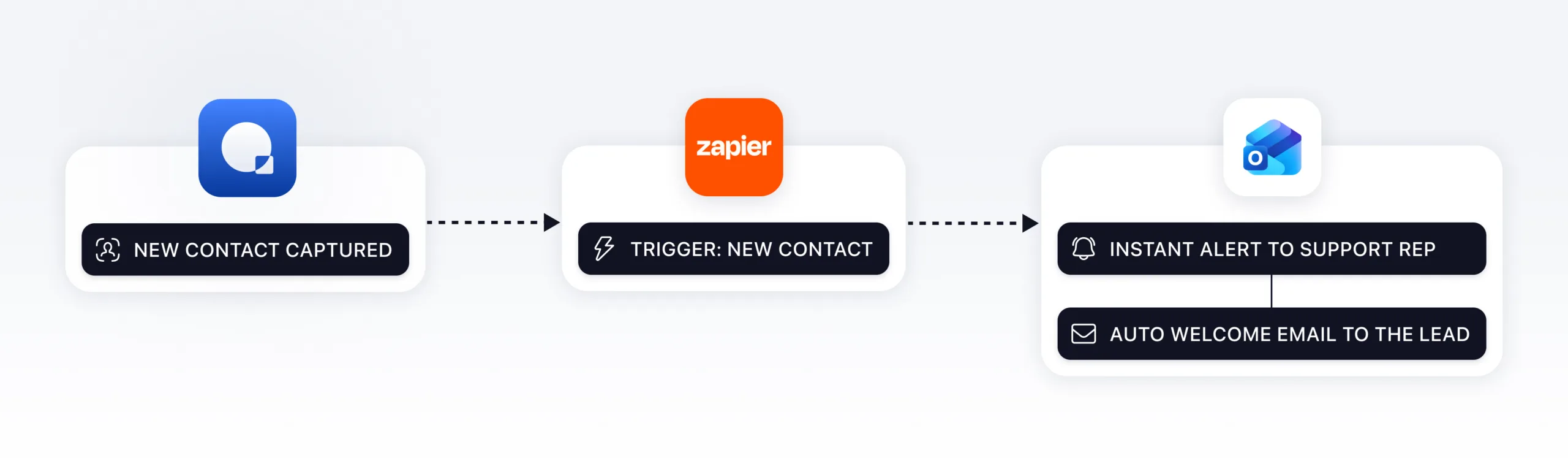
The workflow: A new contact triggers an email — either an internal alert to the right rep, an automated welcome message to the lead, or both.
Why it matters: In lead conversion, minutes decide outcomes. Studies of speed-to-lead consistently show that responding within the first few minutes dramatically outperforms responding even an hour later. This workflow makes that automatic. The instant your agent captures someone, a notification hits your sales or support rep so they can follow up while interest is still high — and a confirmation or welcome email can go to the lead at the same moment, keeping them warm and reassured that a human is on the way. The outcome is faster response times, higher conversion, and a more professional first impression, all without anyone watching a chat window.
Best for: Lean teams without a CRM seat, and any team where being first to respond is a competitive edge.
Honorable mention: Quidget → ActiveCampaign
If your growth motion is marketing-led, connect new contacts straight into ActiveCampaign to create or update a contact and trigger a nurture sequence — turning a single conversation into an ongoing, automated relationship.
Get started in minutes
- Connect Quidget to Zapier. In Zapier, create a new Zap and choose Quidget as the trigger app, then select the New Contact trigger.
- Authenticate your Quidget and destination accounts (HubSpot, Google Sheets, Outlook, etc.).
- Pick your action — create a HubSpot contact, add a Sheets row, send an email — and map the contact fields from Quidget to the right places.
- Turn it on. Test once, then let it run. Every future contact flows automatically.
The whole setup takes about as long as reading this post.
Ready to put your AI conversations to work? Explore the Quidget integrations on Zapier and build your first workflow free today. Your agent is already capturing the leads — now let them land exactly where your business needs them.


