

Changelog
The latest news, fixes, and improvements from Quidget.
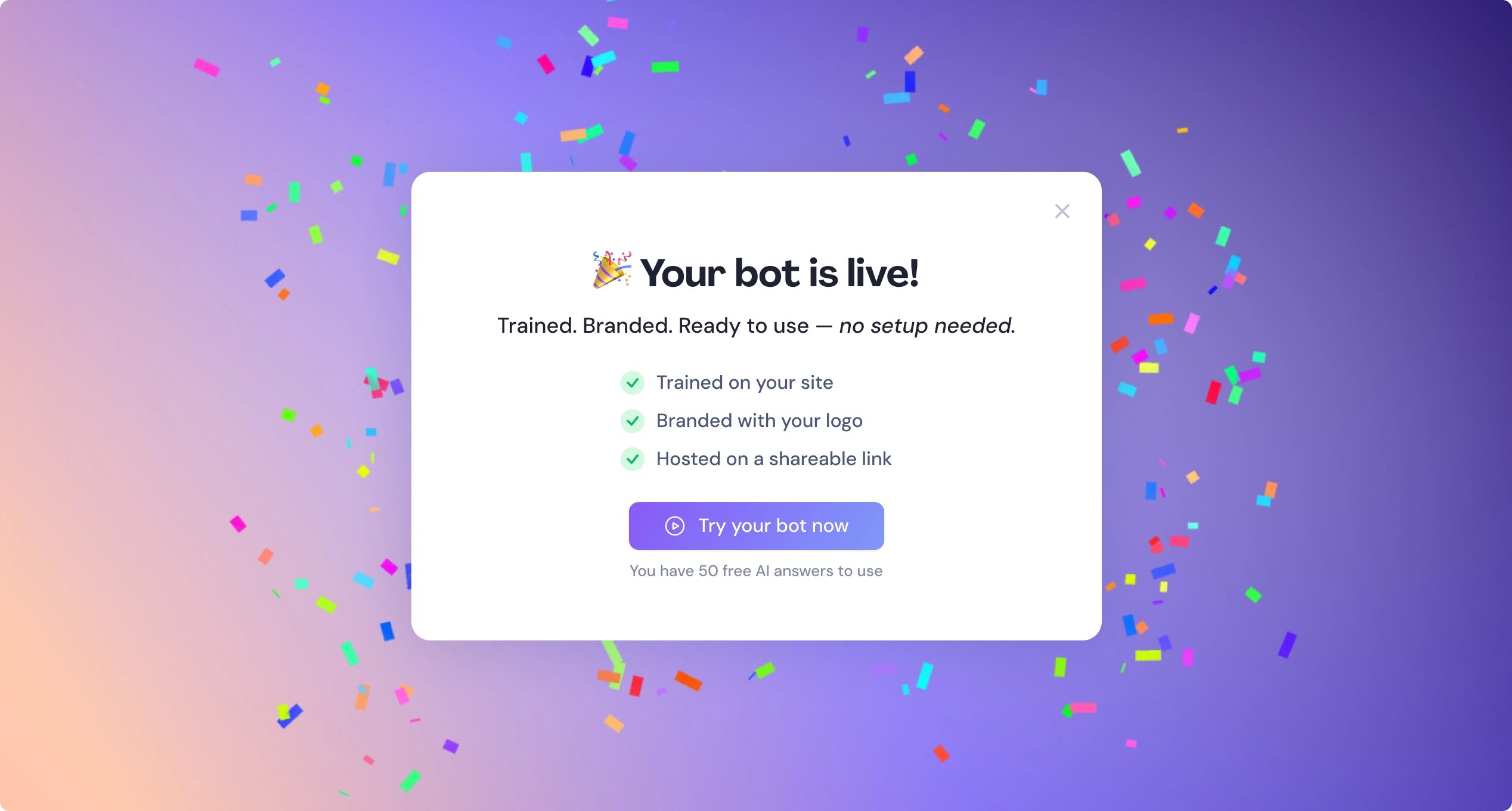
New users now get a friendly little celebration when they log in for the first time 🎉
Why it matters: First impressions matter. We want you to feel excited and welcomed!
Your Chat Page (formerly “Share”)
We gave this page a little glow-up:
• New name and icon in the sidebar
• Fresh gradient background that matches your brand
• A clean link-sharing layout with a dropdown menu
• Web chat only (no more clutter)
• Mobile-friendly view with a full-screen chat
Why it matters: It’s never been easier (or prettier) to test and show off your AI agent. Whether you’re demoing to teammates or clients — this page feels sleek, focused, and totally share-ready.
Dashboard Stats Upgrade – Escalated to Human
We’ve improved how we track when a chat is handed off from AI to a human. It now includes fallback cases and chats closed by users before agents reply.
Why it matters: You deserve a clear picture of how often your bot needs backup — and why. With this insight, you can tweak your flows and make your AI even smarter over time.
Thursday, April 17, 2025
Quidget is on Stripe, Smarter email Collection for Human handoff, WebChat: Header text color is now customizable
- Billing: Now runs through Stripe. We’ve switched from Lemonsqueezy to Stripe.
- Smarter Email Collection for Agent Handoff: When someone asks for human help, they now see a real email input field and built-in email validation helps avoid typos
- WebChat: Header text color is now customizable, so it fits your brand better and the “Restart” button is gone — less clutter, fewer clicks. A new ⋯ menu gives quick access to Start a new chat and Talk to a human agent.
- Conversations: Inboxes & Chat Preview Folders got a makeover and also now new messages show up instantly
- Communication channel (Telegram, WhatsApp, Slack etc.) is now visible in the preview message.
- WebChat: Open Links in a New/Current Tab Now you decide—links in WebChat open in a new tab by default, but you can switch to current tab in settings.
- Chat Transcription Email: Reply-To & Subject Reply-To now connects directly to the customer’s email.
- Subject line is now dynamic, summarizing the chat topic for better context.
- Web Chat Redesign: Updated Web Chat styling and preview options in settings.
- Slack Auto-Start: Bots in Slack now auto-start for improved workflow automation.
- Billing Updates: Welcome message and feedback questions are no longer considered in Billing.
- Web Chat Behavior on Share Page: Adjusted logic for opening Web Chat when using Show channels view. Now user don’t need to click in webchat icon twice, the can is opening in one click.
- Button Tag Update: Changed button tags from <a> to <button> for better accessibility and structure.
 Previous

Quidget keeps getting better—
stay tuned for more updates!
Log in to your Quidget dashboard and start optimizing your AI chatbot today!