

Changelog
The latest news, fixes, and improvements from Quidget.
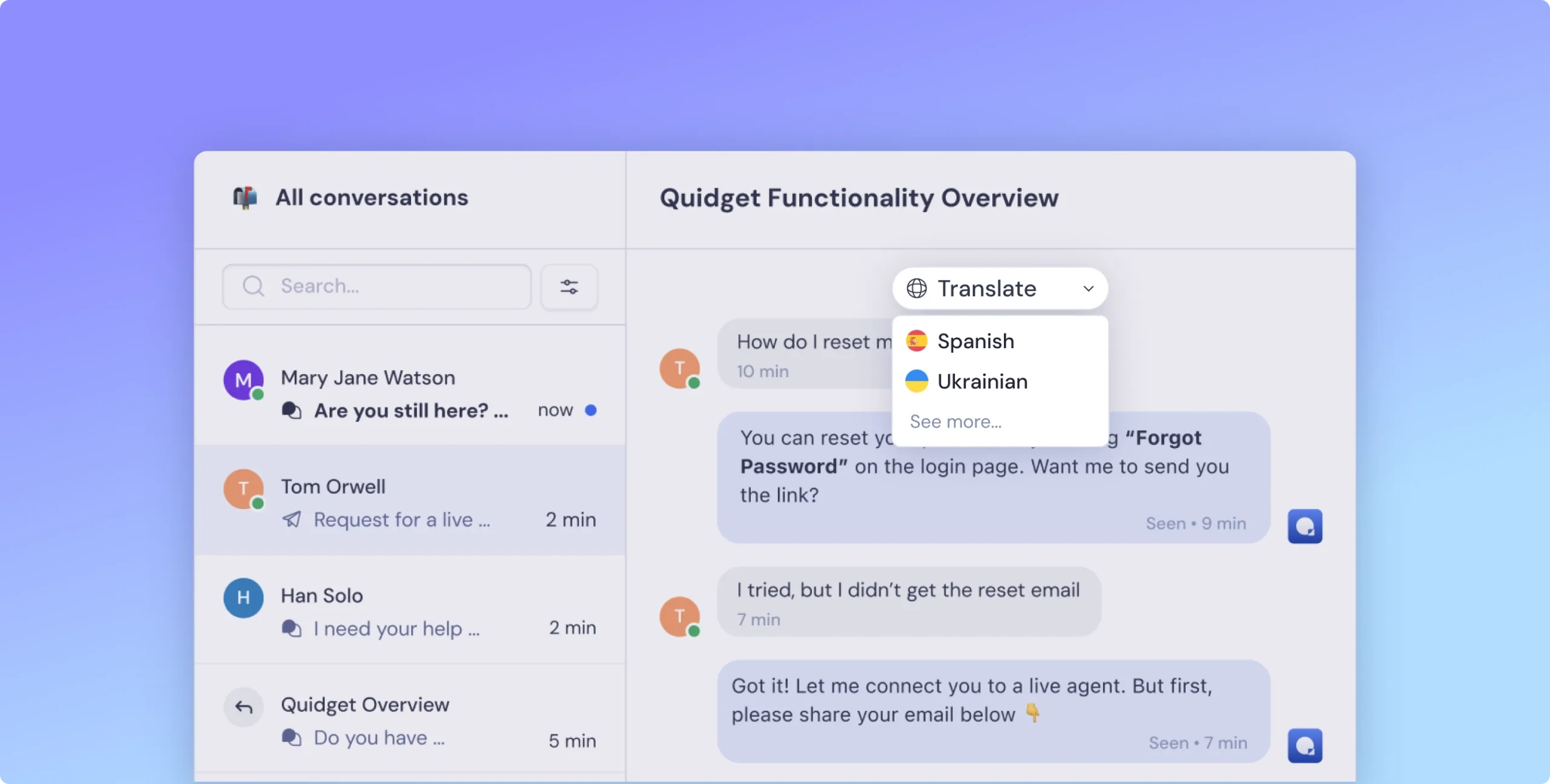
- Agents can translate the entire conversation into their own language
- The current language is always visible at the top of the chat
- Switch languages with a dropdown or use the quick-access list
- See original and translated messages side-by-side
Why this is helpful:
You can talk to anyone, no matter where they’re from — without switching tools or slowing down.
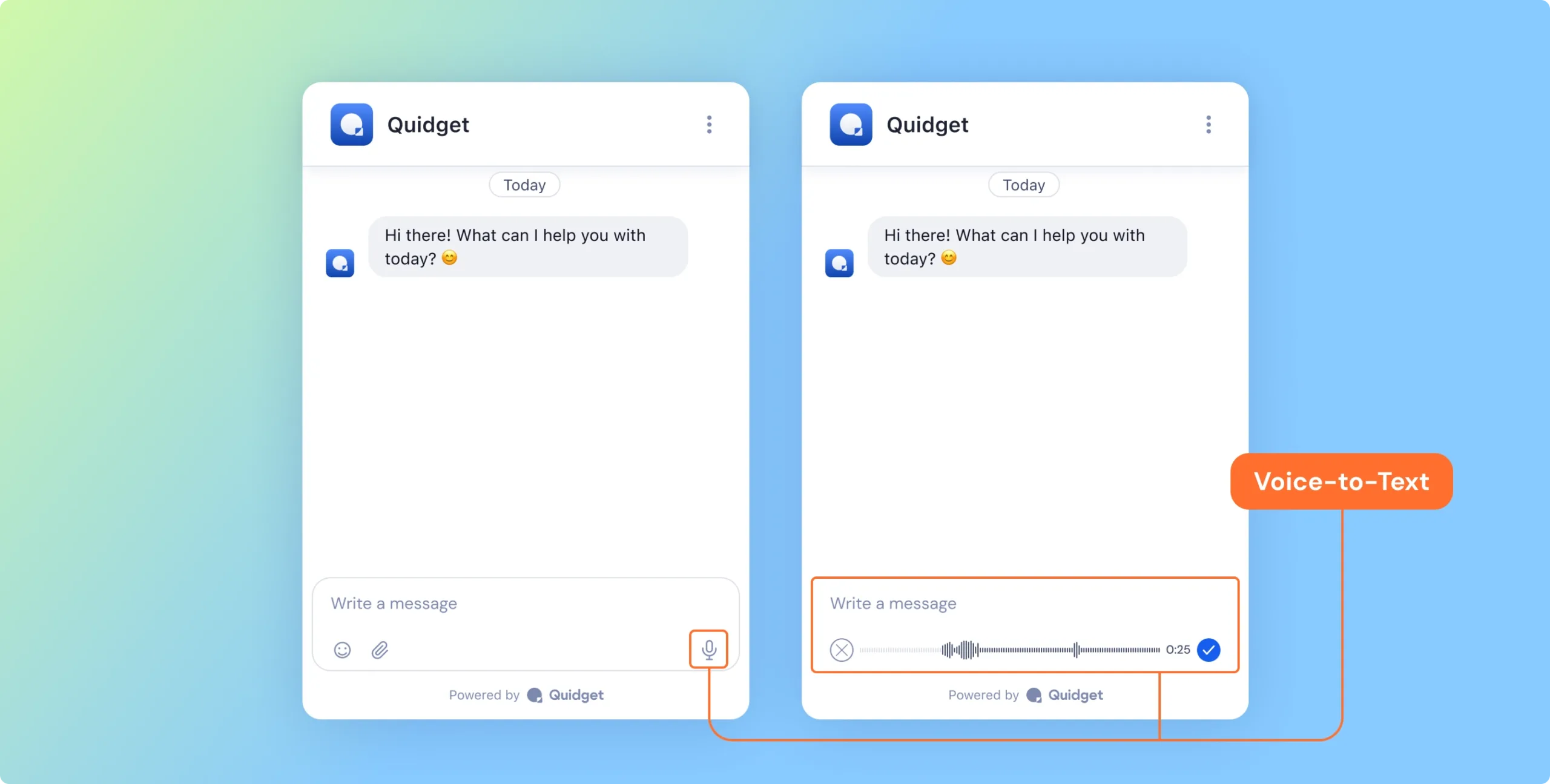
Voice-to-Text: Say It Instead Visitors can now use the new mic button to speak instead of type
Why this is helpful:
Great for users on the go, or anyone who finds talking easier than typing.
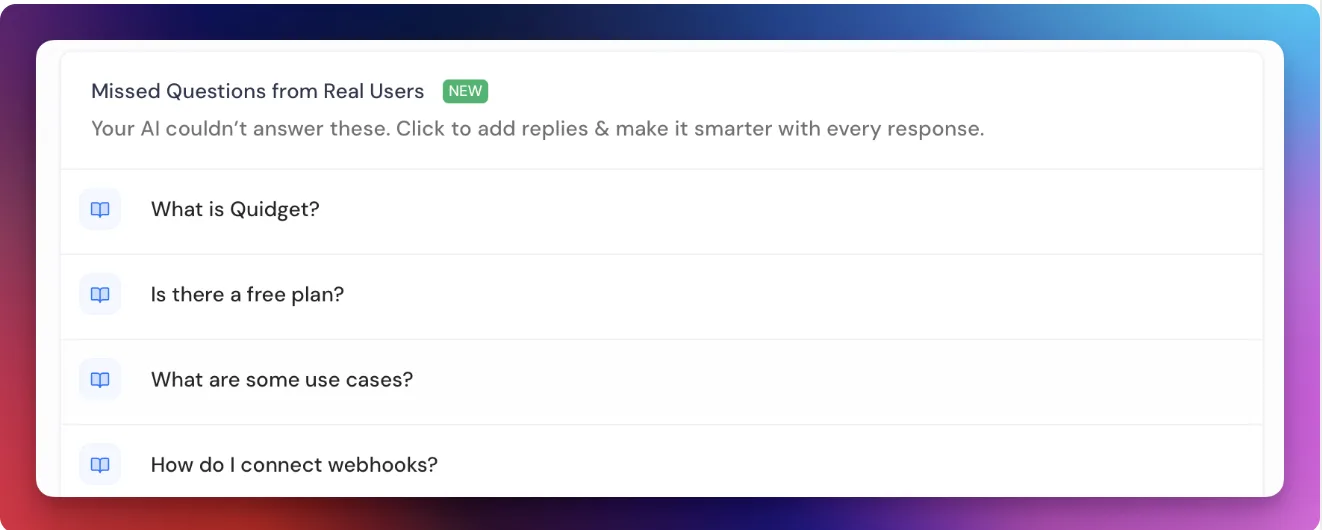
New in Your Dashboard: Unanswered Questions. There’s now a section showing questions your AI didn’t handle
Why it matters:
Spot trends, update your bot’s knowledge, and avoid repeated confusion.
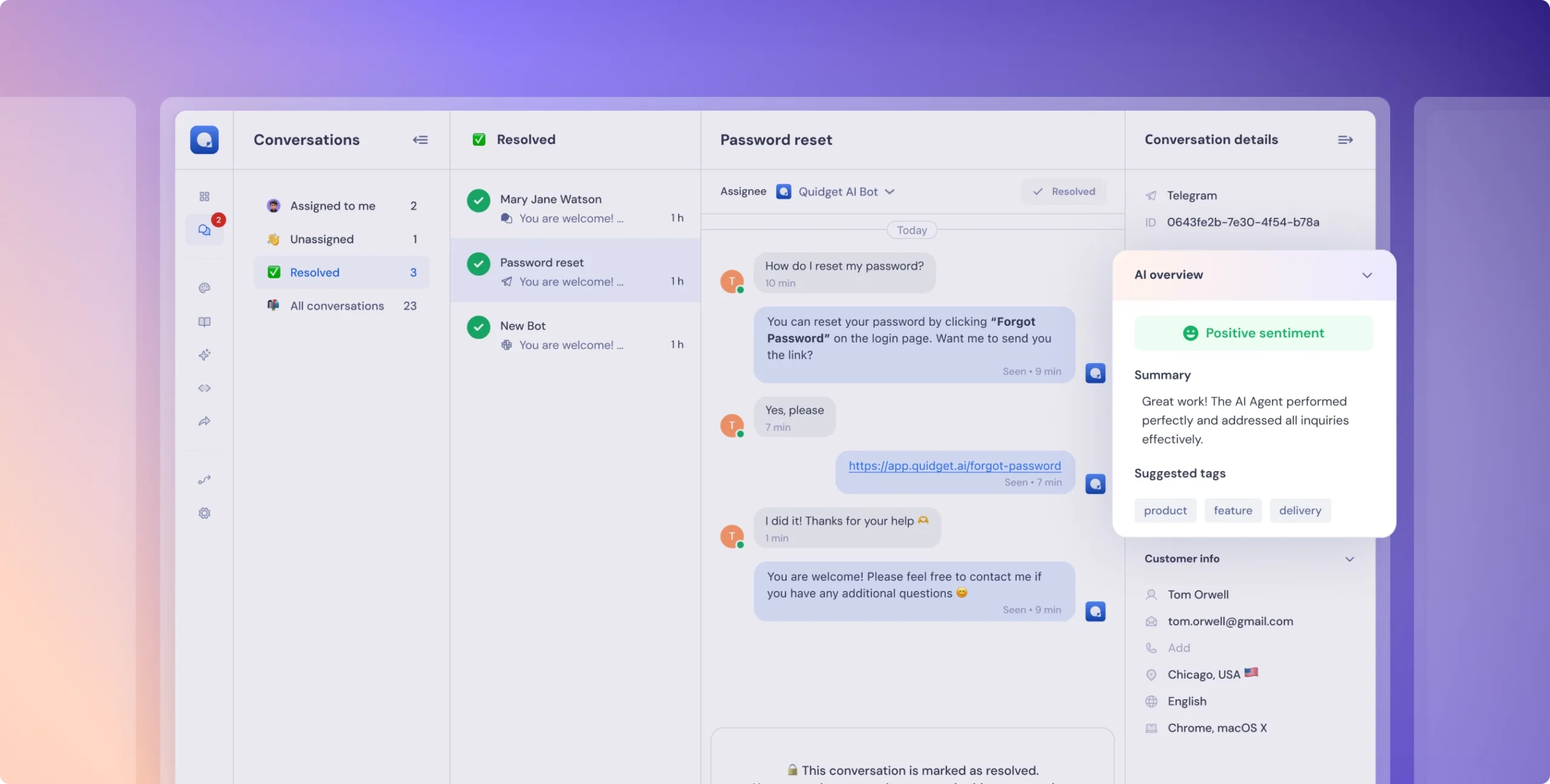
Closed chats now get AI-powered summaries and Tags in the Details section. These provide key insights and suggestions for improving your knowledge base or adding FAQs—helping your Quidget bot respond even smarter.
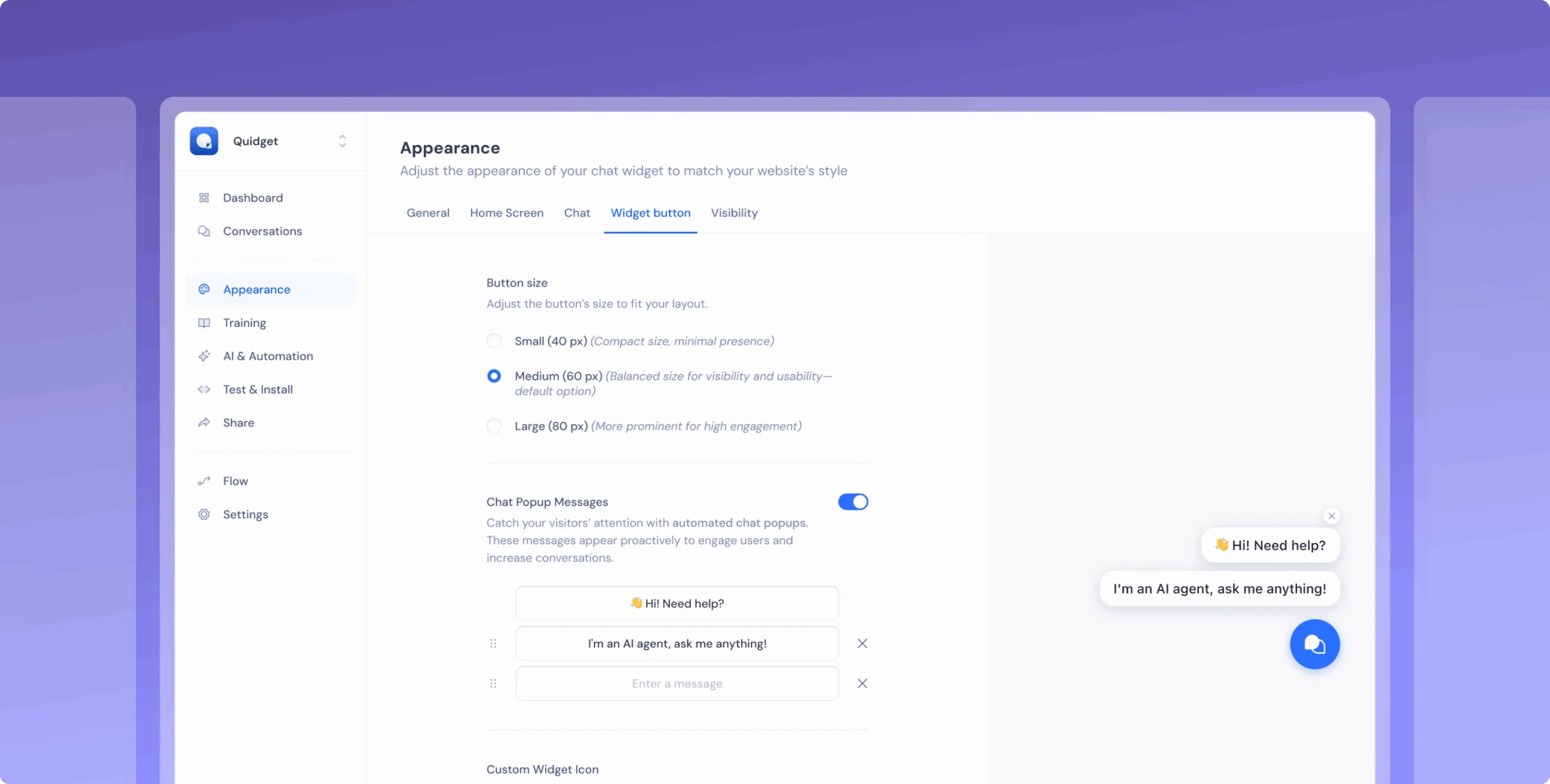
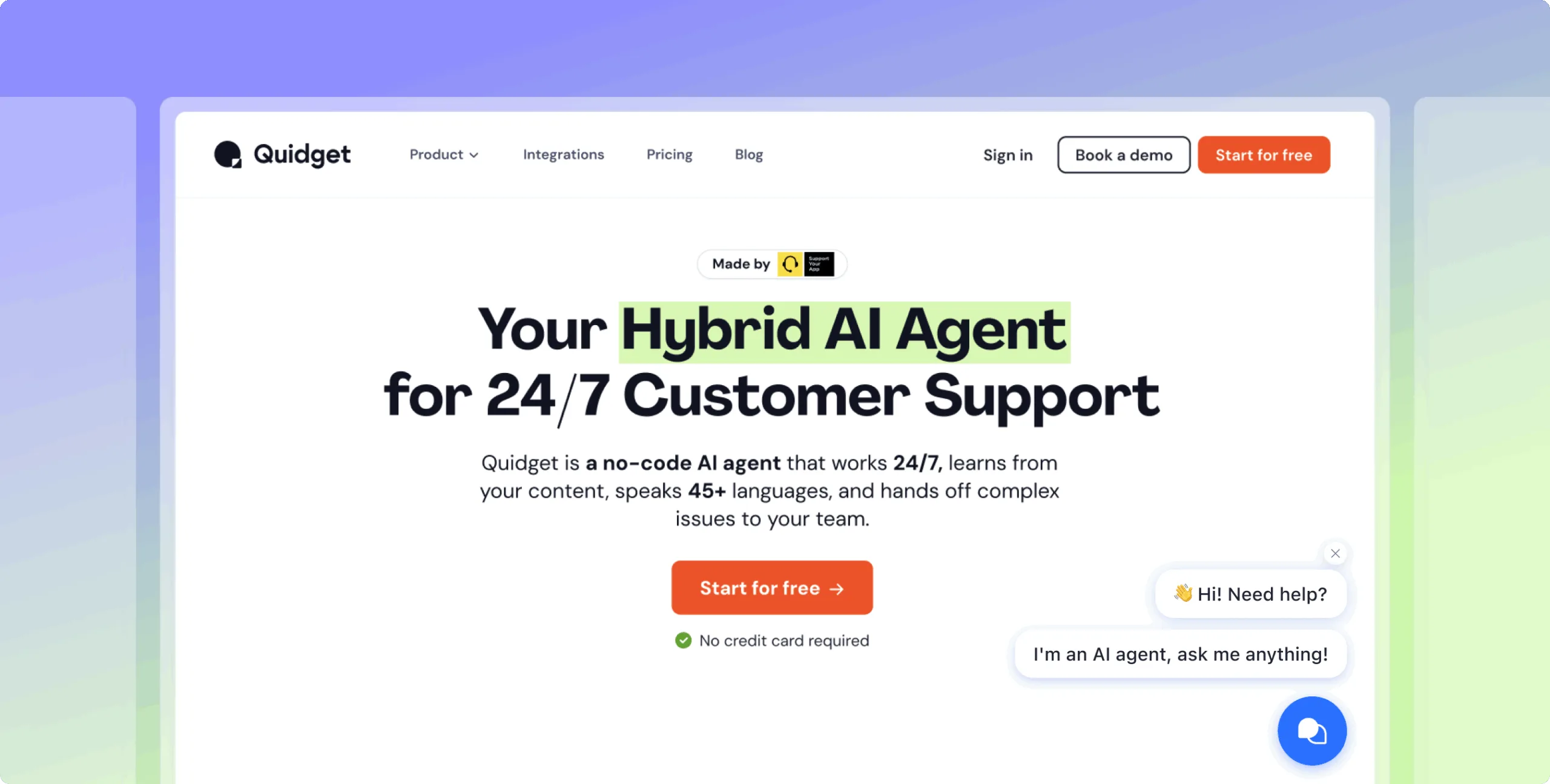
You abe able to Adjust the Web Chat icon size and add Chat Popup Messages to customize the experience.
System messages now notify when an agent joins or leaves Web Chat.
 Previous

Quidget keeps getting better—
stay tuned for more updates!
Log in to your Quidget dashboard and start optimizing your AI chatbot today!